Setting up a network
Check IP
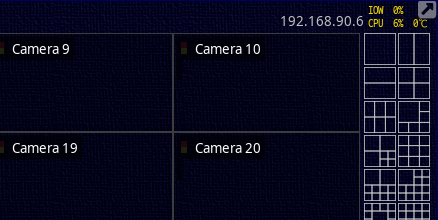
When connected
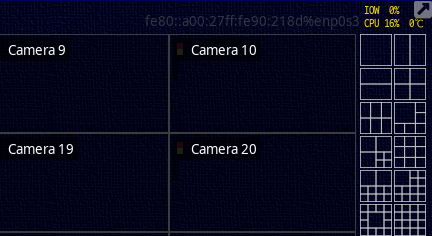
When not connected
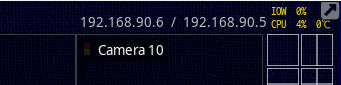
You can see the IP currently connected to the upper right corner of the NVR
Network Interface 
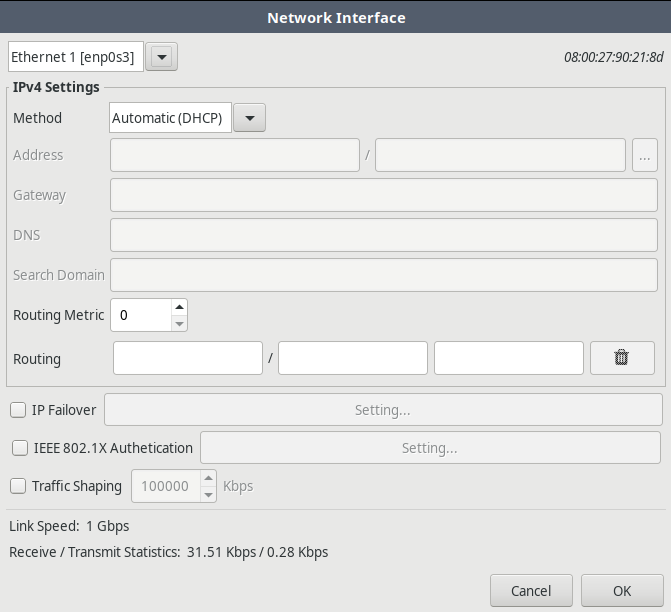
Double-click on IP to open a network interface window as shown in the above screen for detailed settings.
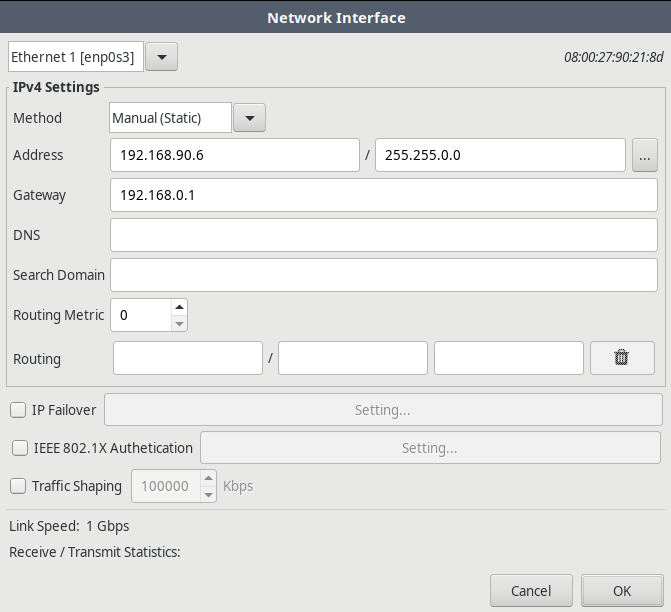
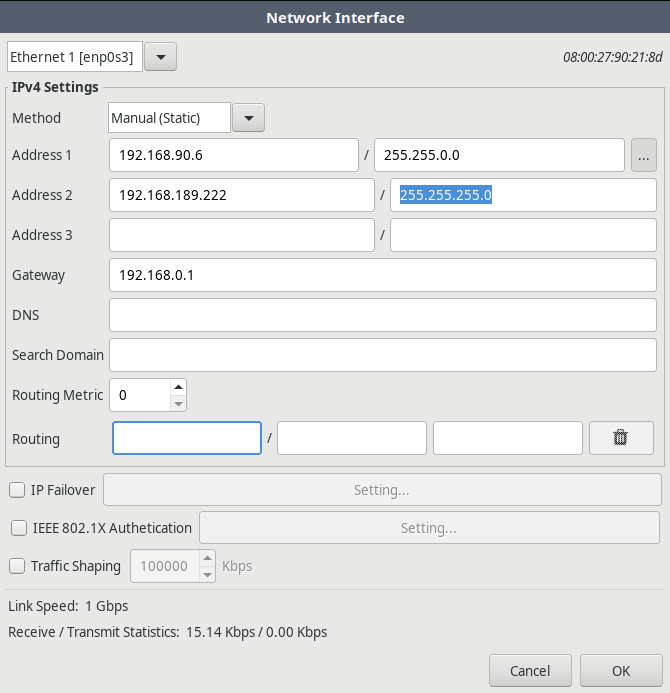
When connecting to a fixed IP, enter the address, subnet mask, and gateway correctly.
Link speed, checking traffic 

You can check the connection speed by placing the mouse cursor on the upper right IP.
Multiple connections 
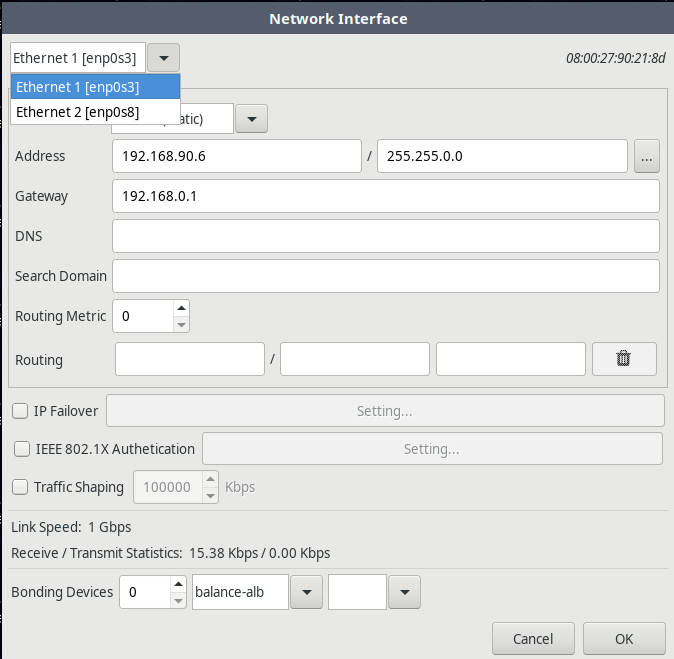
You can select and set up multiple networks individually.
Network Bonding 
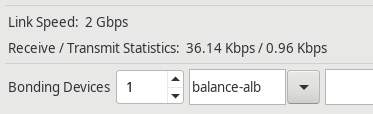
You can increase network bandwidth by grouping multiple connected networks.
- Change the number of bonding devices to 1

- Change the bonding master of the connected network to bonding
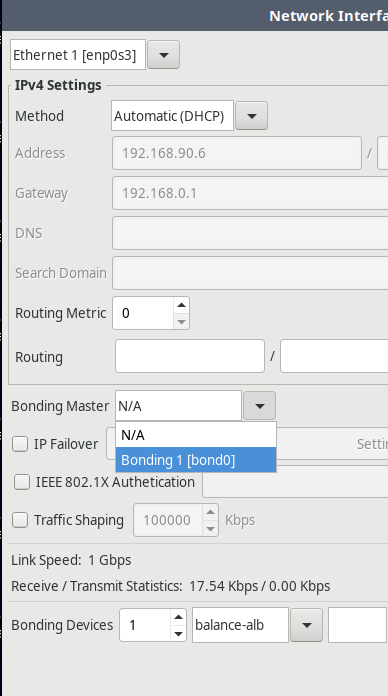
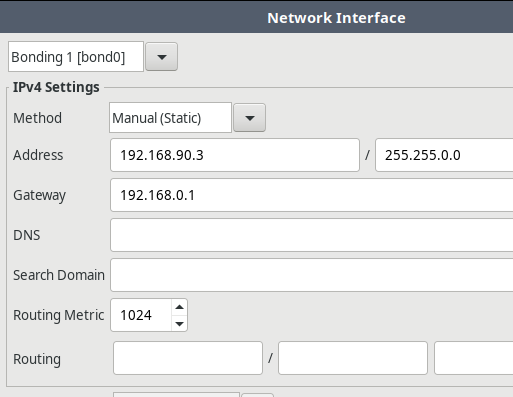
- Set the IP of the bonding device.
- Check the link speed of the connected network.