Feature overview and selection guide
Feature overview and selection guide
Line crossing detection: Detects intruders based on a line setting. (A↔B both directions, A→B, B→A)
Intrusion detection: Determines an intrusion if an intruder stays within a designated area for a certain time. (0–10 sec)
Region entrance: Determines an intrusion when someone enters a designated region. (immediate)
Region exit: Determines an exit when someone leaves a designated region. (immediate)
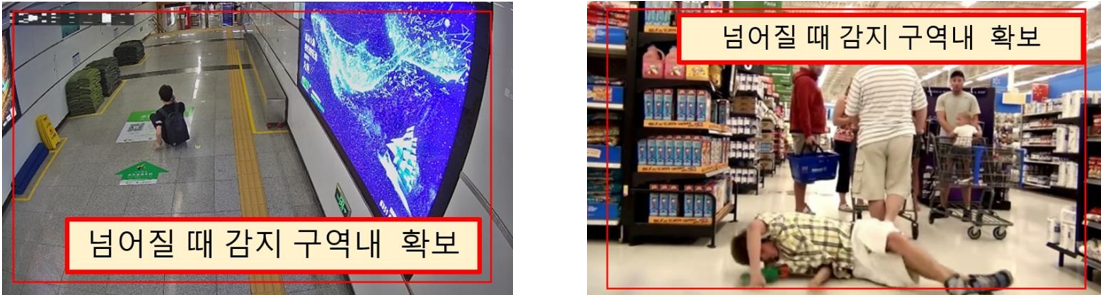
Fall detection: Detects when a person falls in a designated region. (immediate)
Loitering detection: Determines a loiterer if someone wanders in a designated area for the set time. (2–3,600 sec)
Camera height and resolution requirements
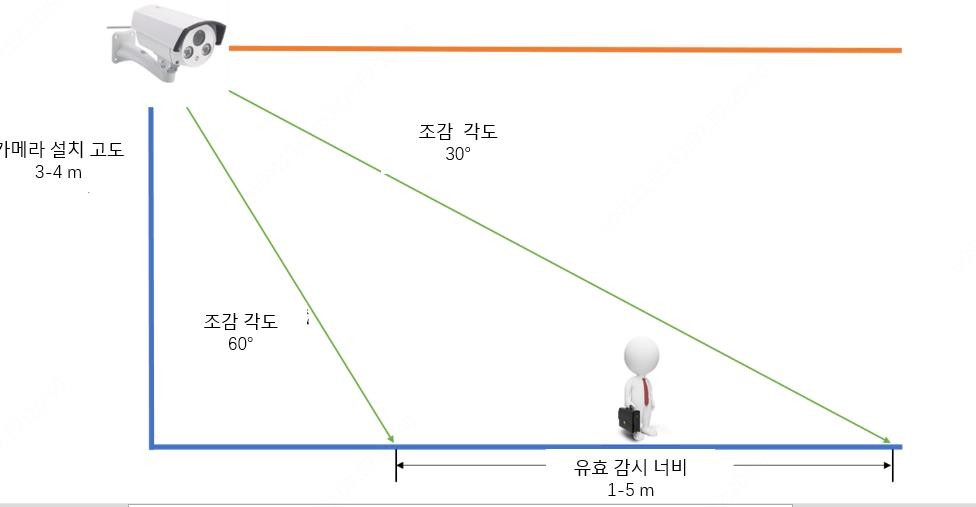
- Camera installation height: recommended 3m–4m (if too low, objects appear larger and may affect detection performance).
- Resolution setting: recommended (1080P); resolutions of 720P or lower are not recommended, as image feature values become smaller and algorithm performance degrades.
- Object settings
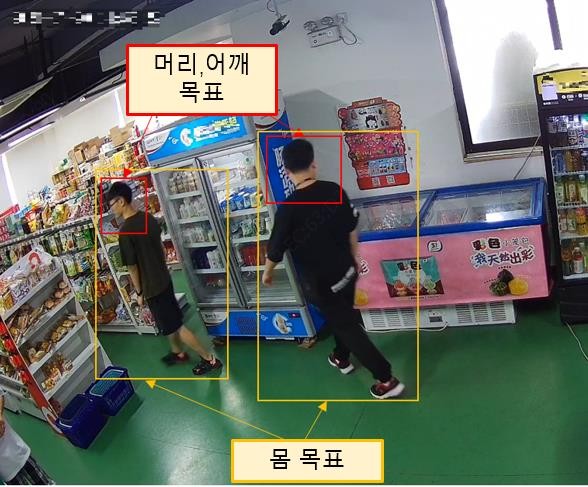
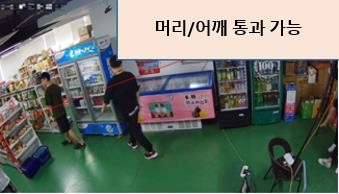
Head/shoulder min: >=50x50 pixel max: <=150x150 pixel Human body min: >=32x64 pixel max: <=100x300 pixel
Fallen human body min: >=230x129 pixel (from the head to the toes of the fallen person)
Object detection size example (1080P):
Camera installation environment 
- Considerations for camera installation: choose an indoor environment with a wide field of view and low congestion.
- When the camera installation angle is 30°–60°, effective detection is possible with a camera height of 3–4m and within a width of 1–5m.
- When the camera installation angle is 60°–90°, effective detection is possible with a camera height of 4–5m and within a width of 1–3m.
ex)
Scene conditions 
- Environments to avoid during installation
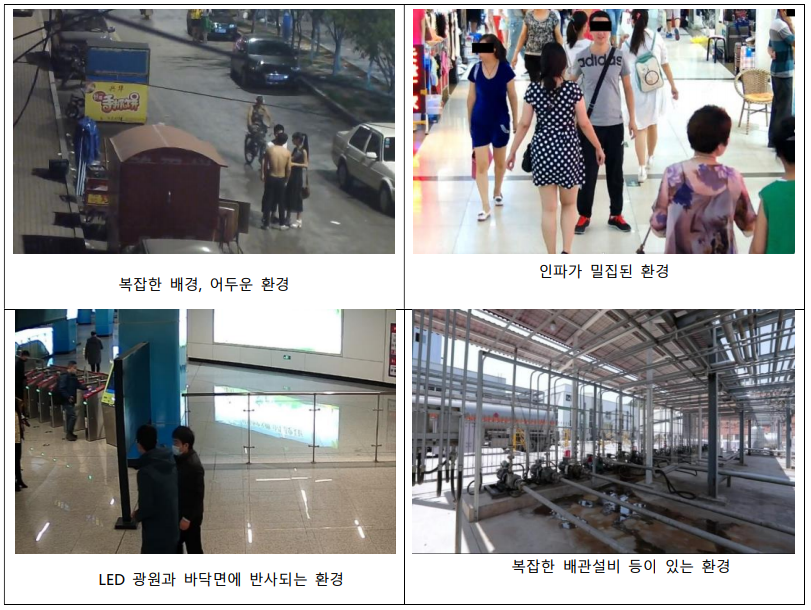
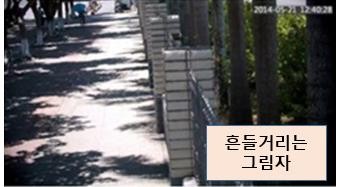
- In the detection video area, avoid swaying shadows, crowded areas or conditions where many people stay, and environments with an obstructed field of view; install while avoiding interfering factors as much as possible.
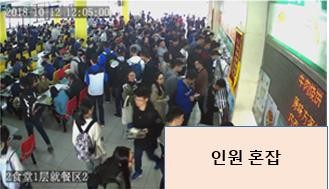
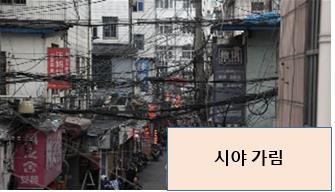
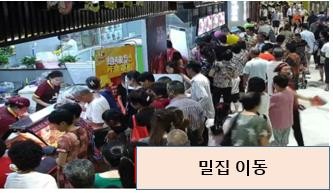 ex)
ex)
- The camera must be fixed firmly without shaking.
- In environments with IR or strong backlight, the detection rate drops significantly.
ex)
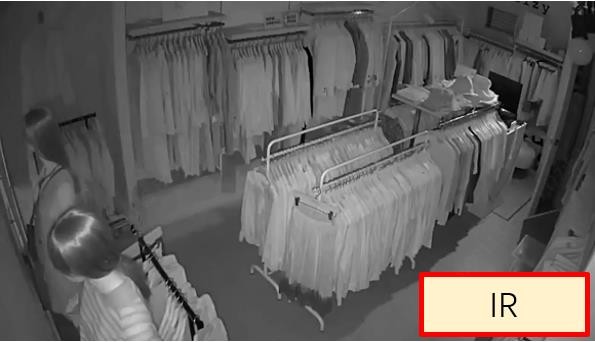
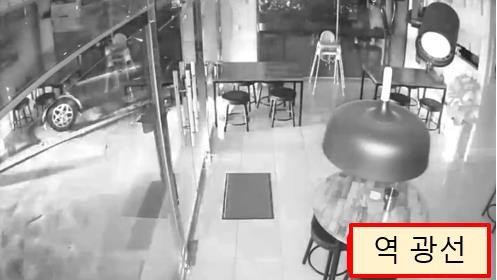
- Recommended environments for installation
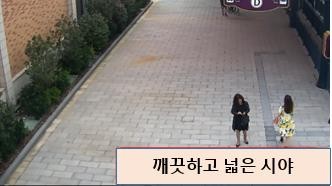
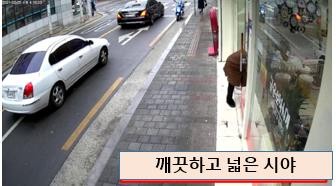
The line-crossing detection feature applies to environments such as outdoor roads, apartments, factories, or indoor classrooms, hallways, and stores. The intrusion detection, region entrance, and region exit detection features apply to environments such as indoor classrooms, workshops, offices, and boarding stations. The loitering detection feature applies to environments such as indoor classrooms, workshops, offices, boarding stations, elevators, and stores.
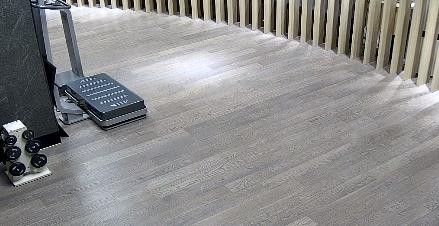
The people-counting feature applies to environments such as indoor classrooms, workshops, offices, stores, and indoor/outdoor roads. The fall-detection feature applies to bright, wide indoor environments.
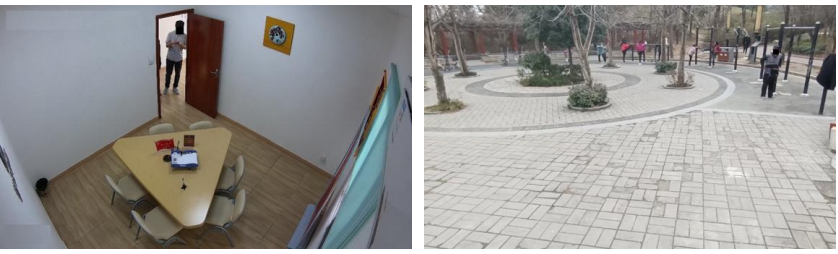
Correct examples of outdoor environments)
Correct examples of indoor environments)
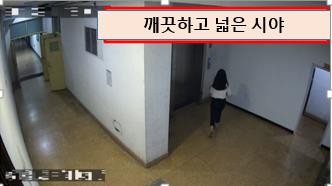 

Rule settings 
Line crossing rule settings
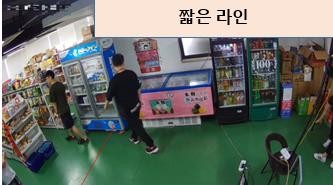
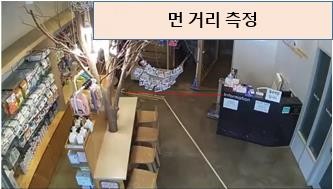
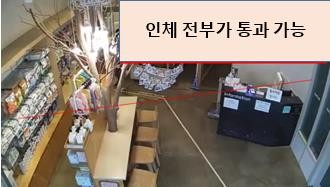
When setting a line-crossing rule, place it as close to the center of the target detection area as possible. There must be margin in front of and behind the set line to secure enough time to warn. Also extend the edges of the line from boundaries or obstructing objects as much as possible.
Examples of settings that are not recommended)
Examples of recommended settings)
Region settings 
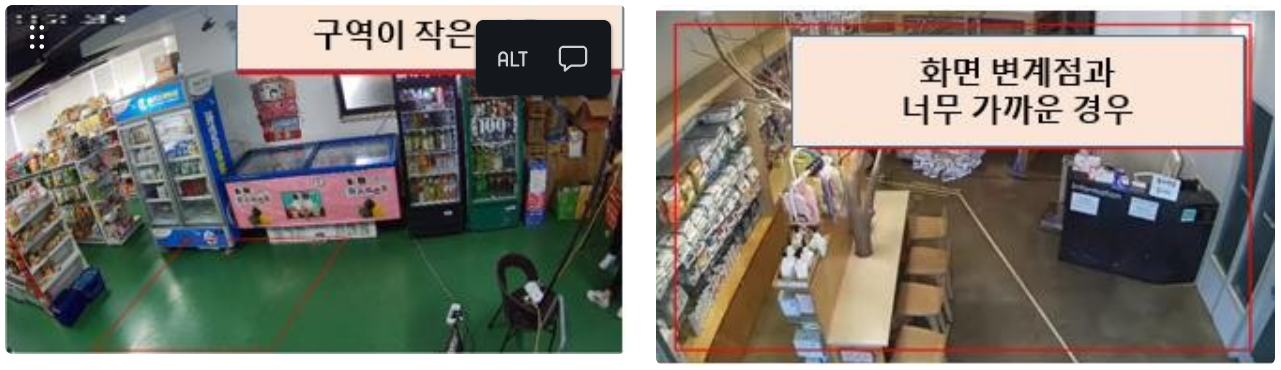
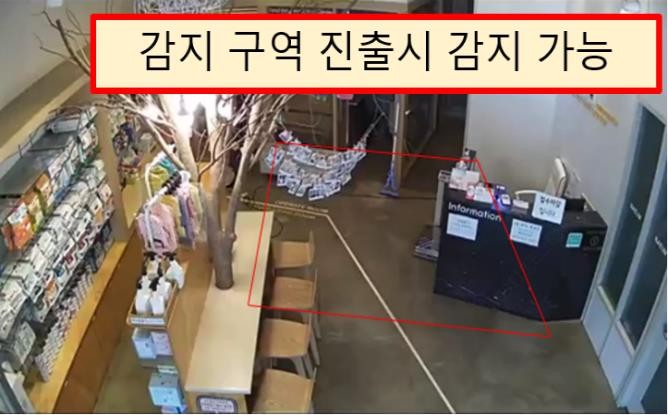
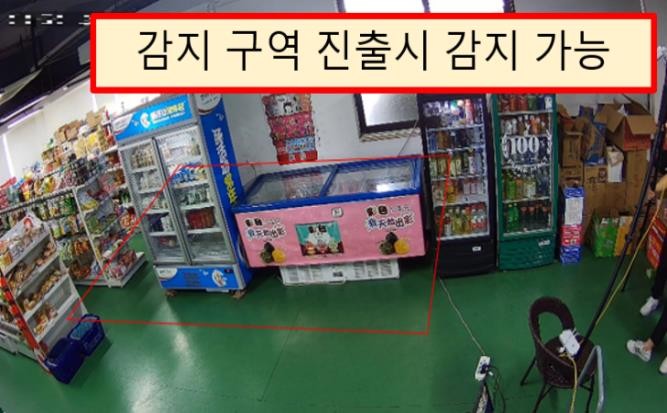
The target detection area should be located near the center of the CCTV screen, and the region boundary should be about 500 pixels away from the edge of the CCTV screen or an obstructing barrier, so that the movement of a target entering or leaving can be captured by the camera.
Examples of settings that are not recommended)
Examples of recommended settings)
Fall detection settings 
Falling postures from each direction are supported, but a sitting posture is not judged as a fall. When setting the region, you must set it so that the target is included in the entire region as much as possible; otherwise it may not be judged as a fall.
Examples of settings)
Flame & smoke detection settings 
Mainly used in factories, warehouses, construction sites, gas stations, etc. with an open, simple, and bright view:
Supported within a small indoor and outdoor range (8×8m)
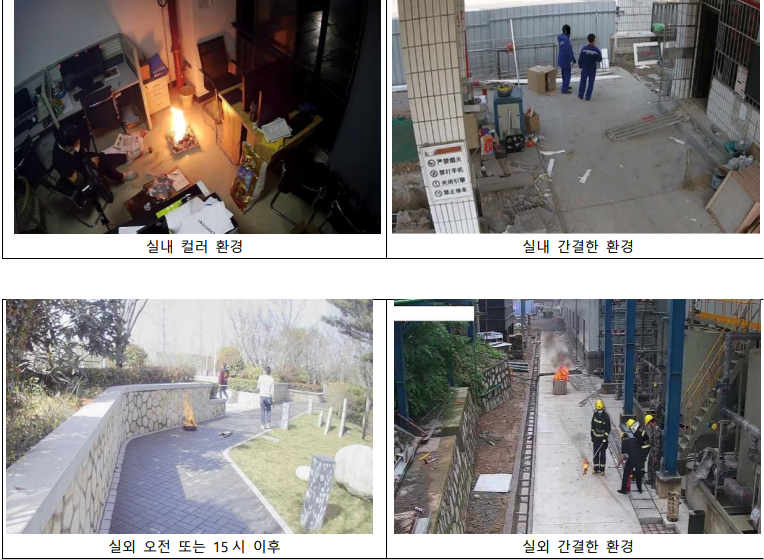
For both indoor and outdoor, height 2.0m–4.0m, plane viewing angle 15°–60°, optimal angle 30°–45°, a screen without distortion; a general fire where flame combustion lasts more than 15 seconds, lighter flame, grayish-white thick smoke
Indoor/outdoor color video detection supported (lighting 50–100 lux; strong lighting environments must be avoided)
Infrared mode not supported
Examples of settings)
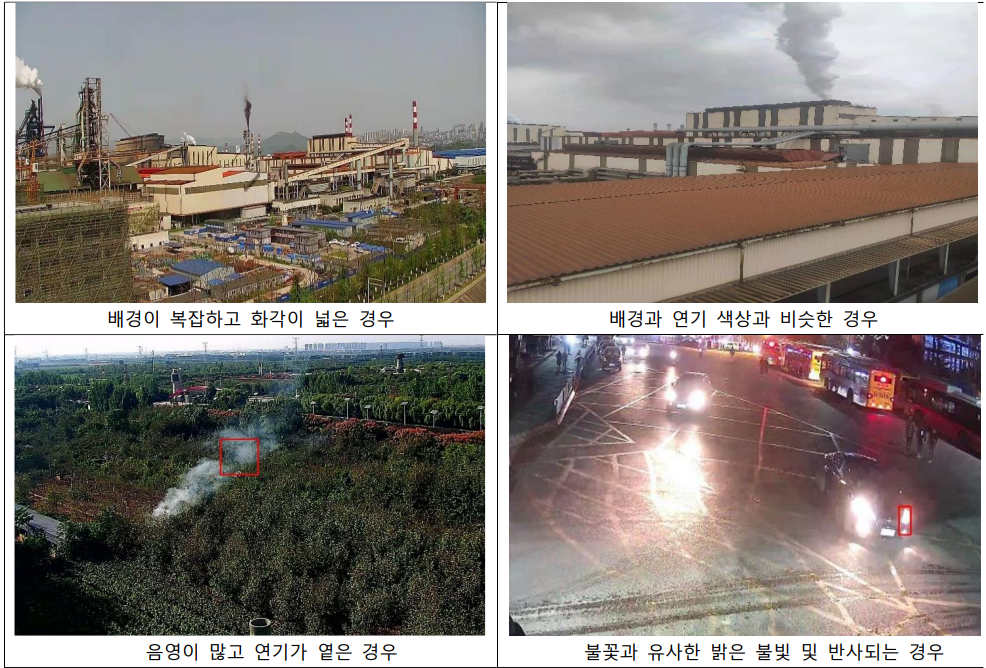
Examples of environments that are not recommended)
Violence detection settings 
The act of two or more people attacking each other through violent physical contact such as a bare-handed fight or bare-handed brawl in the detection area
Setting conditions
Supported indoors and outdoors (10×10m)
Indoor height 2.5m–3.5m, outdoor height 2.5m–4.5m, plane viewing angle 15°–60°, optimal angle 30°–45°, light 100 lux or more; infrared and low-light color images are not supported
Examples of assault detection)
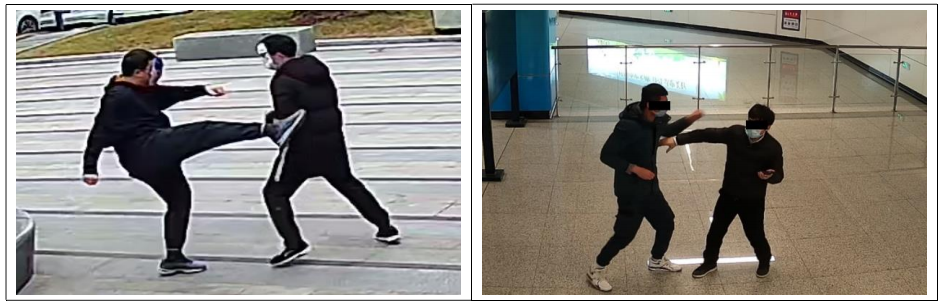
Violence detection setting example
Examples of settings)
Examples of environments that are not recommended)