CMS shortcut manual

CMS shortcut manual
CMS shortcut summary
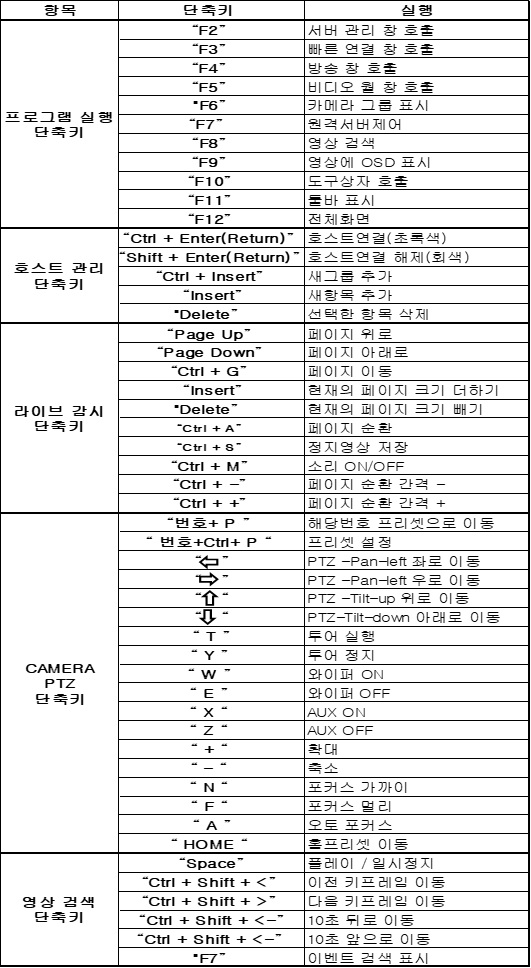
[Figure 1 Shortcut list]
CMS shortcut manual
Program execution shortcuts
![[Figure 2 Program execution shortcuts]](img-03.png)
"F2" Server management, "F3" Quick connect, "F4" Broadcast, "F5" Video wall, "F6" Show camera group, "F7" Remote server control
"F8" Video search, "F9" Show OSD on video, "F10" Call toolbox, "F11" Show toolbar, "F12" Full screen
"F2" Open the Server management window
![[Server management screen]](img-04.png)
"F3" Open the Quick connect window
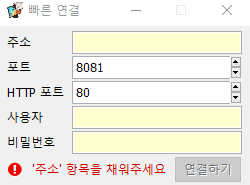
[Figure 3 Quick connect]
"F4" Broadcast
![[Figure 4 Broadcast]](img-06.png)
"F5" Video wall
![[Figure 5 Video wall]](img-07.png)
"F6" Show camera group
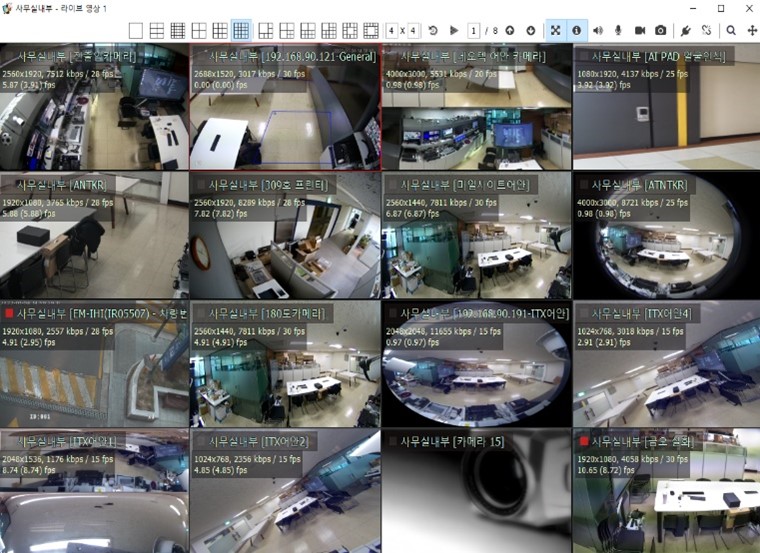
[Figure 6 Before showing camera group]
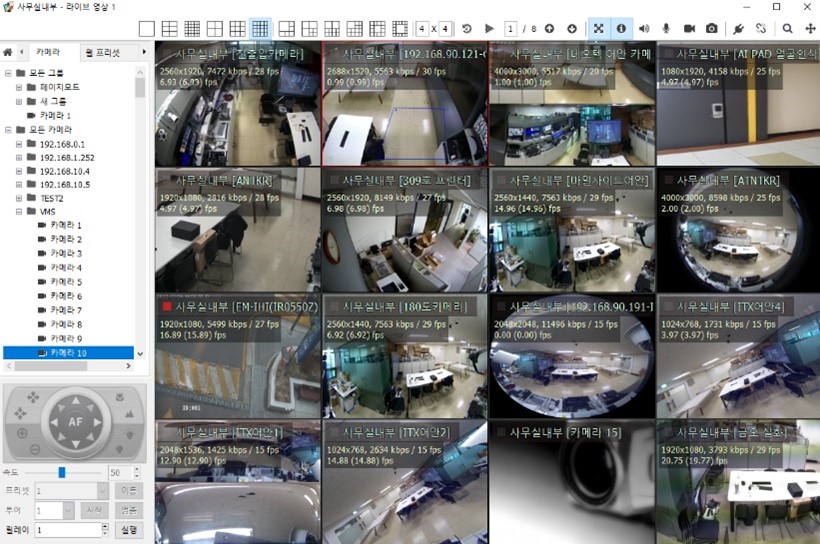
[Figure 7 After showing camera group]
"F7" Remote server control
[Figure 8 Remote server control]
"F8" Video search
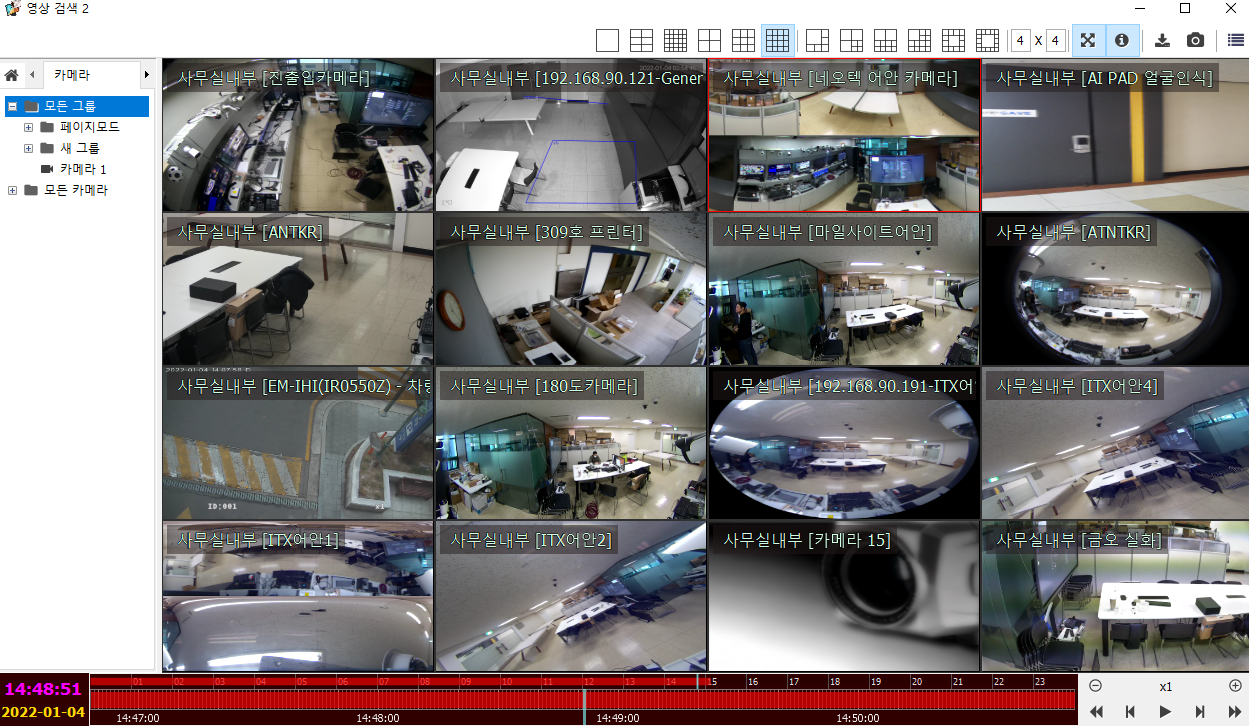
[Figure 9 Video search]
"F9" Show OSD on video
![[Figure 10 OSD-removed video screen]](img-12.jpg)
"F10" Call toolbox
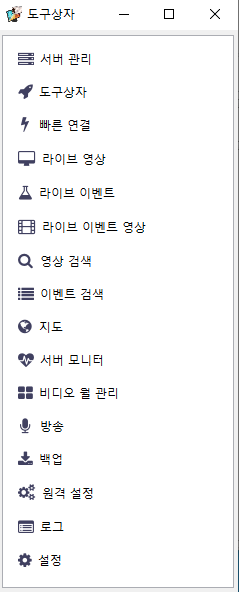
[Figure 11 Toolbox window]
"F11" Show toolbar "F12" Full screen
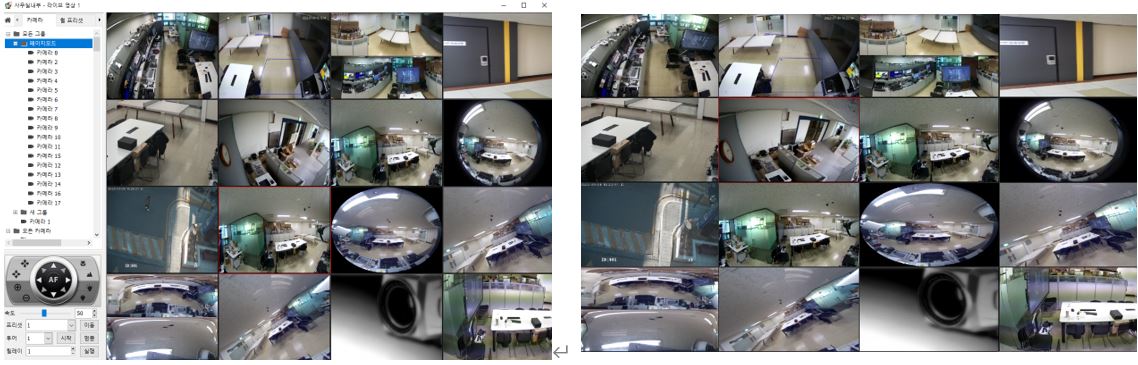
[Figure 12 Show toolbar, full screen]
Host group connect, host disconnect shortcuts
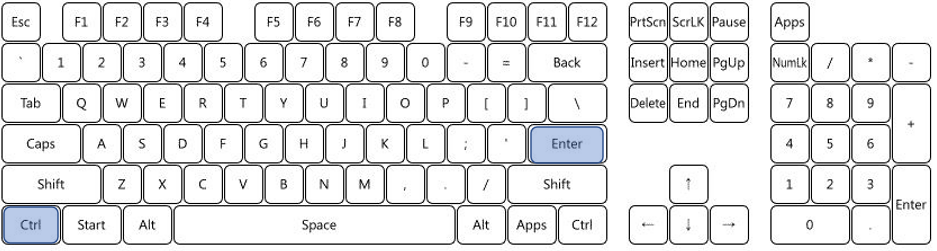
"Ctrl + Enter(Return)" Host connect (green)
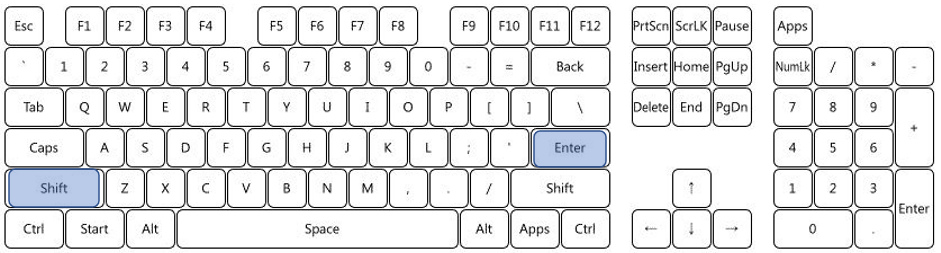
![[Figure 13 Host connect]](img-17.png)
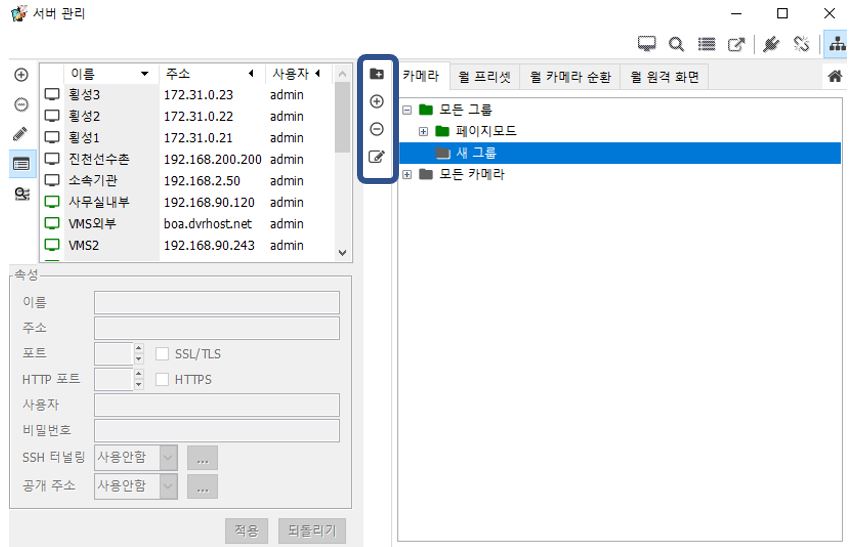
Add new group, add new item, delete selected item shortcuts
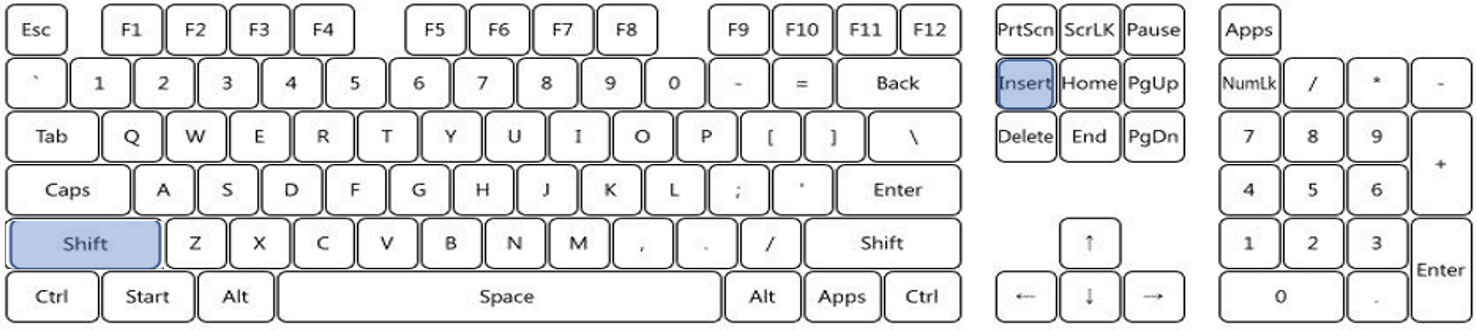
["Shift+ Insert" Add new group]
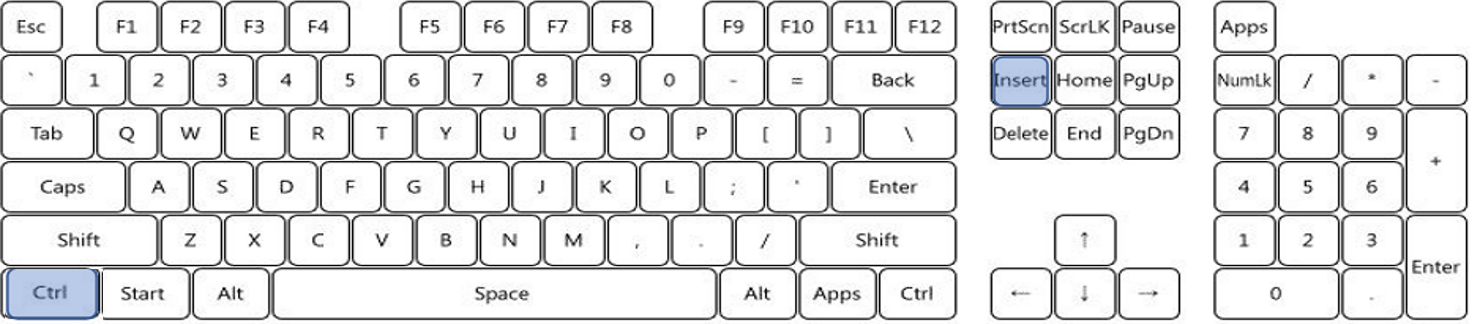
["Ctrl + Insert" Add new item]
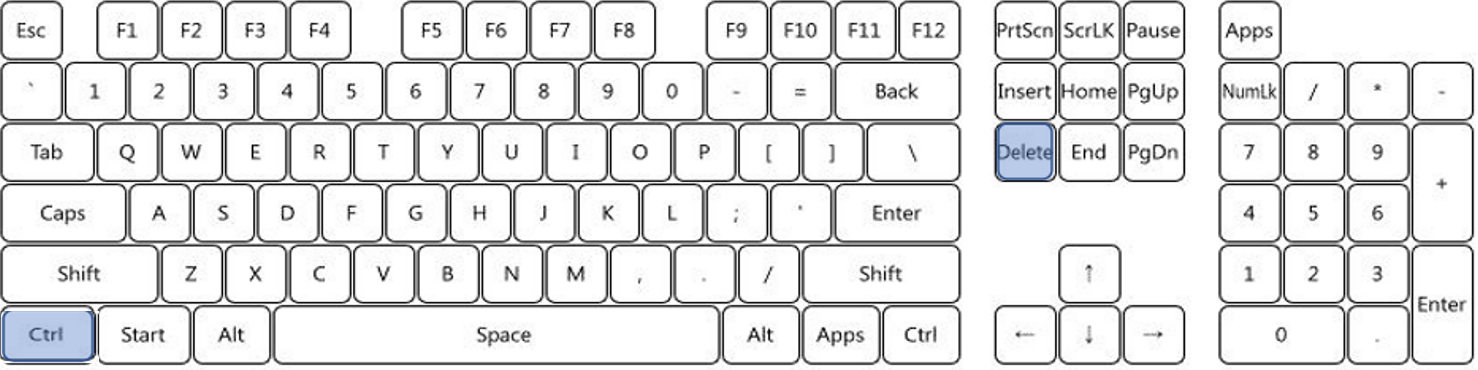
["Ctrl +Delete" Delete selected item]
CMS group add, remove
[
CMS live monitoring shortcuts
Page up, page down, go to page
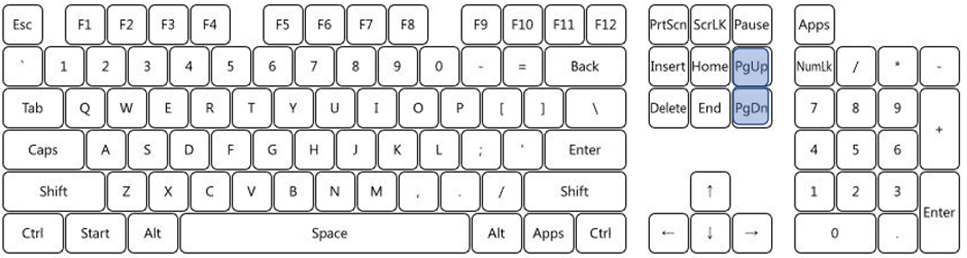
"Page Up" Page up "Page Down" Page down
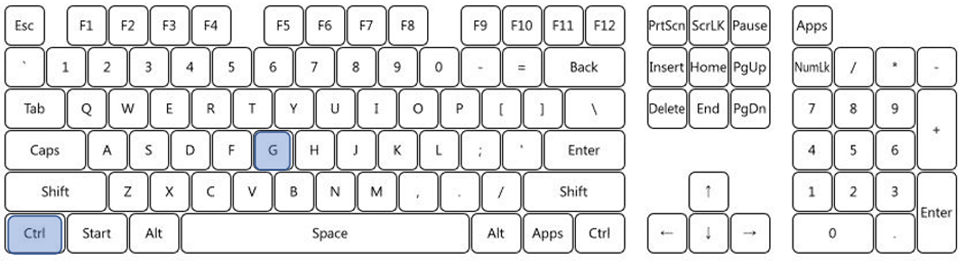
"Ctrl + G" Go to page
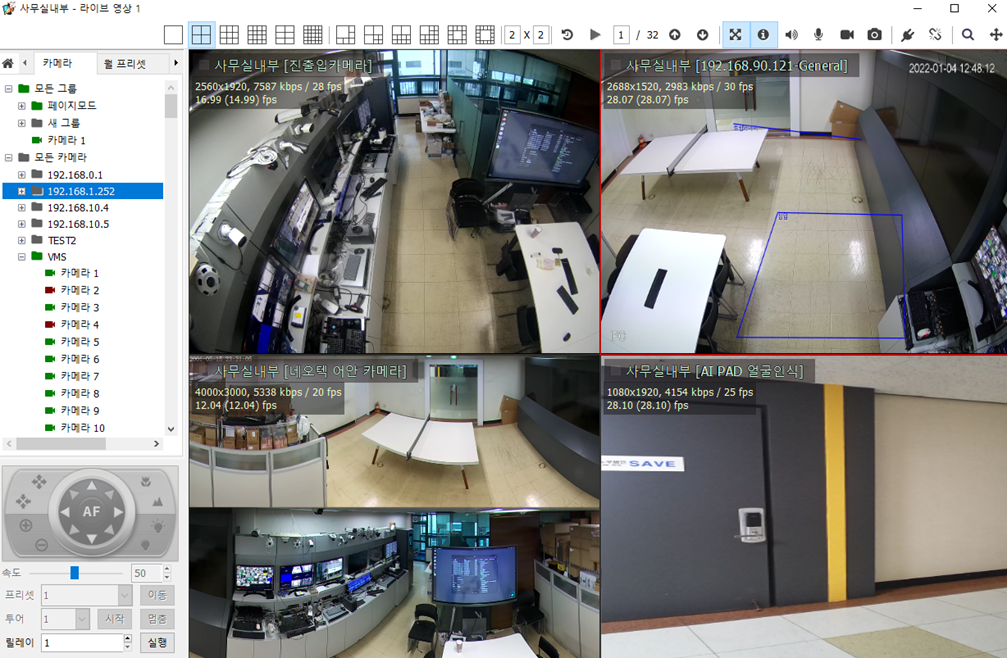
Page up, down, go-to-page icons
Increase, decrease the current page size
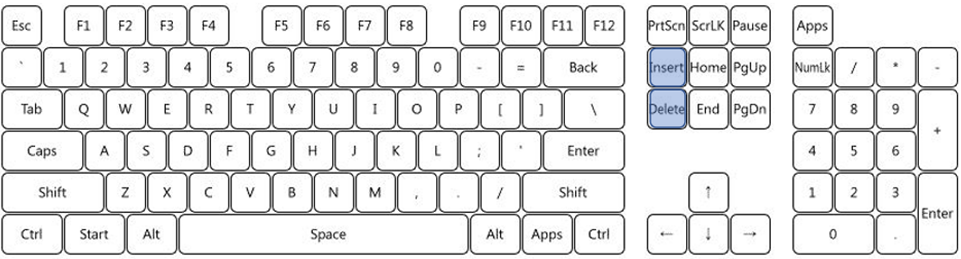
"Insert" Increase the current page size, "Delete" Decrease the current page size
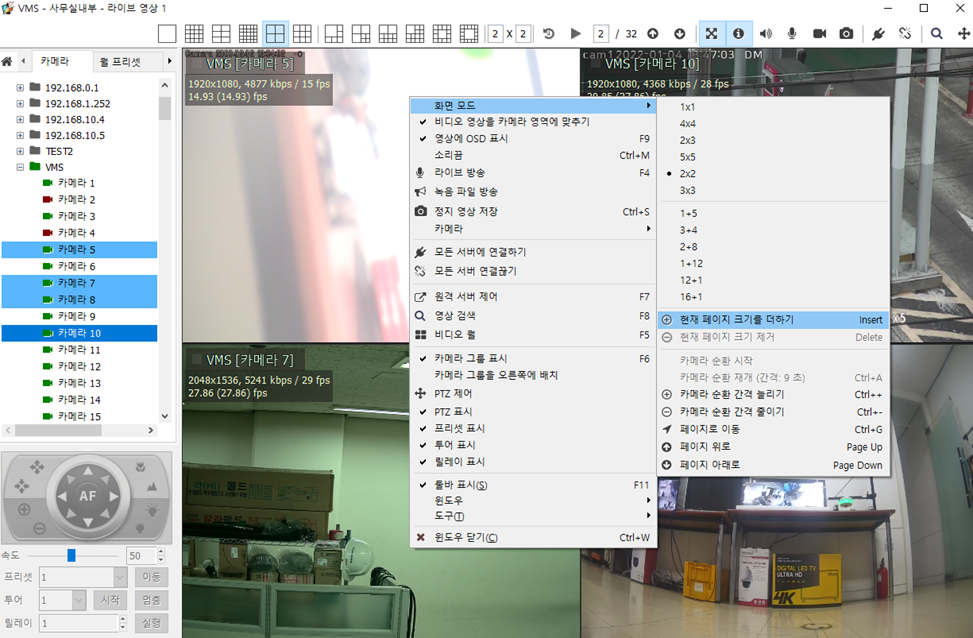
Page up, down, go-to-page icons
Page cycling, still-image save, sound ON/OFF, page-cycling interval +-,
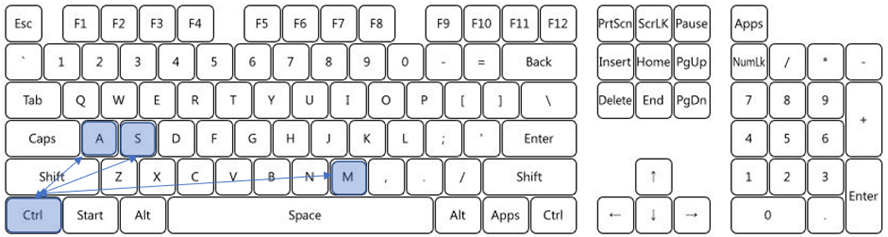
"Ctrl + A" Page cycling, "Ctrl + S" Still-image save, "Ctrl + M" Sound ON/OFF
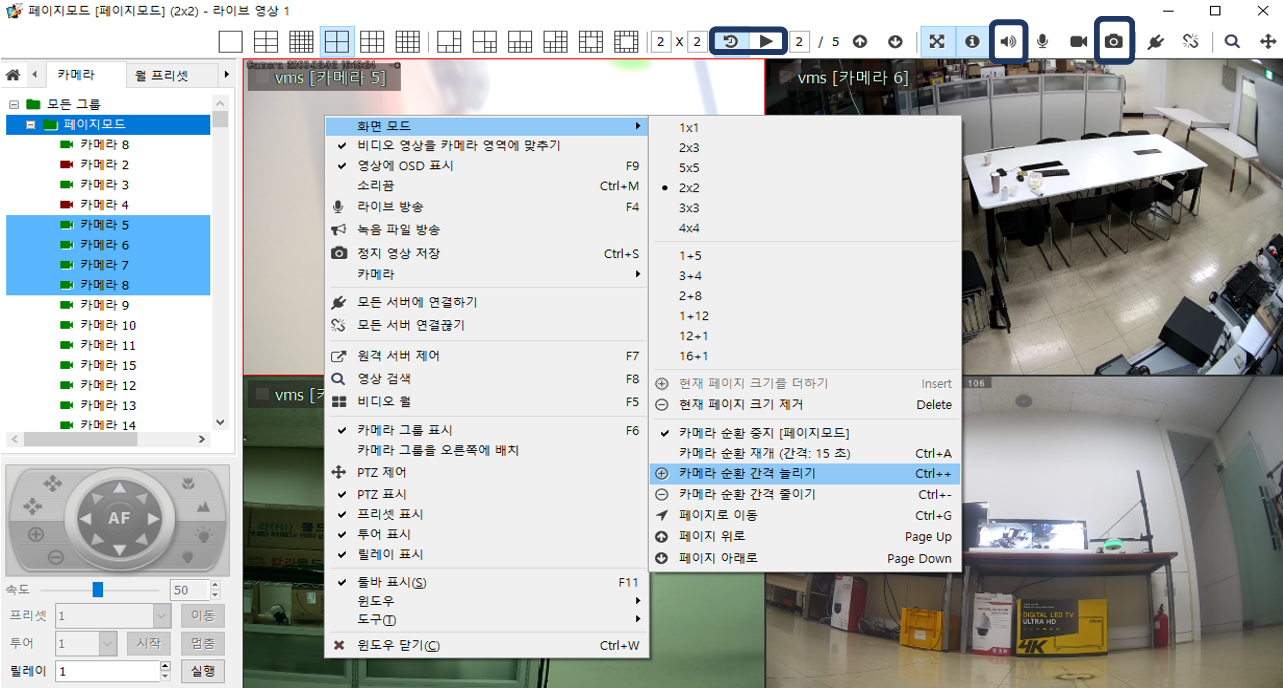
Page cycling, still-image save, sound ON/OFF, page interval +-
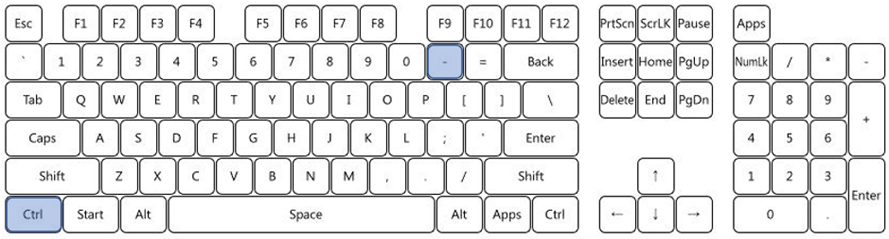
"Ctrl + -" Page-cycling interval -
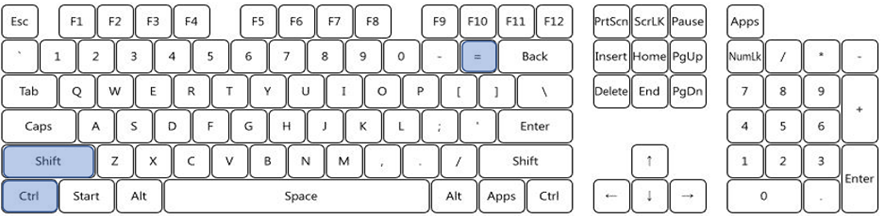
"Ctrl + +" Page-cycling interval +
CMS video search shortcuts
Video playback shortcuts
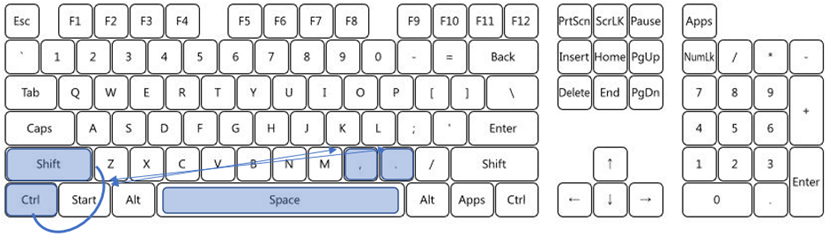
"Space" Play / pause,
"Ctrl + Shift + <" Go to previous keyframe
"Ctrl + Shift + >" Go to next keyframe
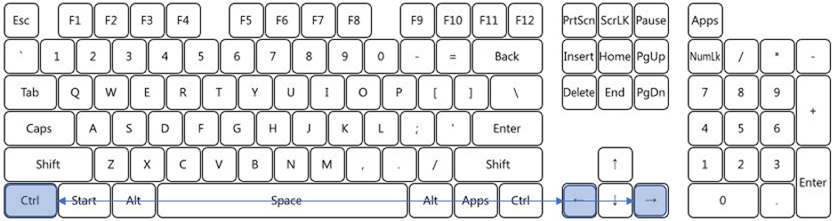
"Ctrl + ->" Move back 10 seconds
"Ctrl + <-" Move forward 10 seconds
Event search display
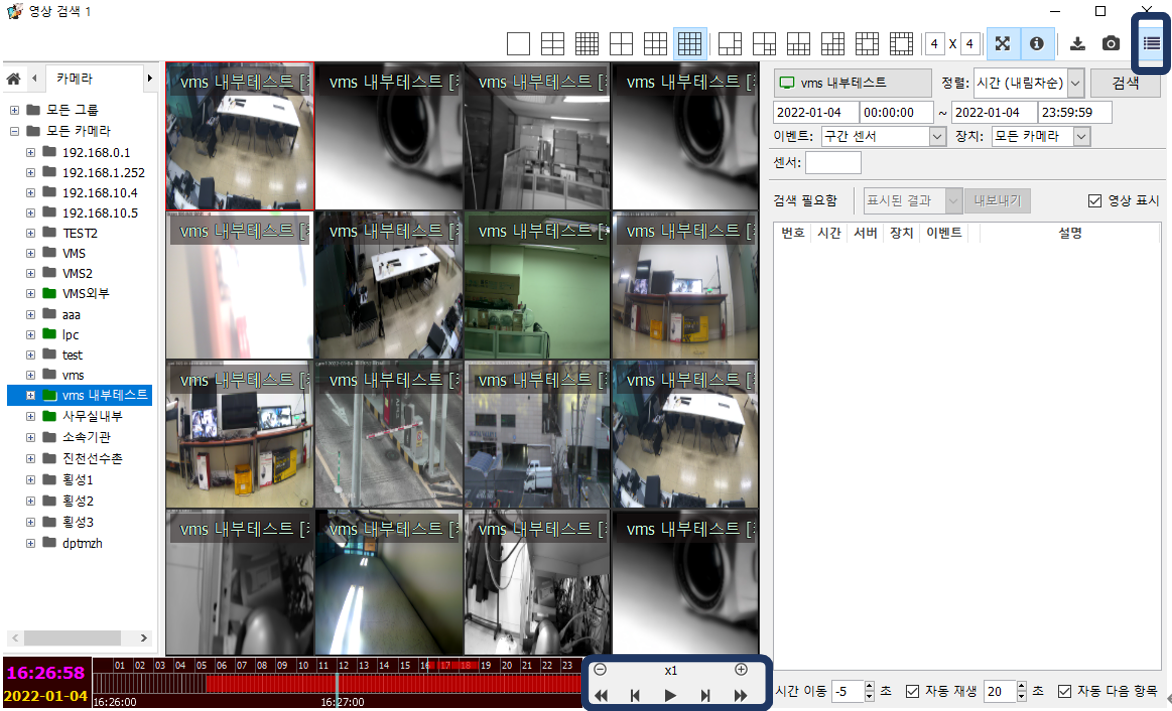
CMS playback shortcuts, event search display
CMS PTZ shortcuts
PRESET move shortcut
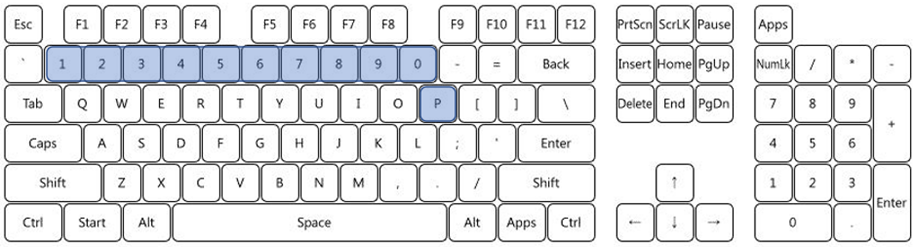
"Number + P " Move to the preset of that number
PRESET set shortcut
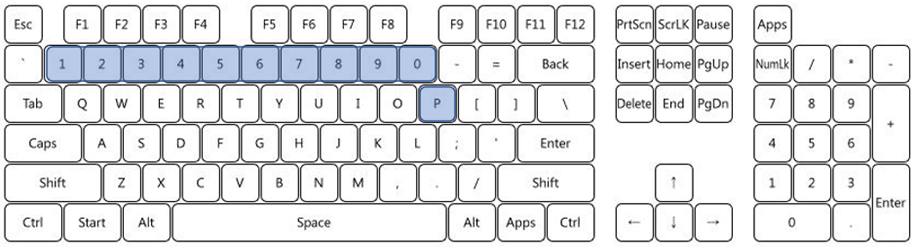
"Number + Ctrl + P " Set the preset of that number
Up/down/left/right move shortcuts
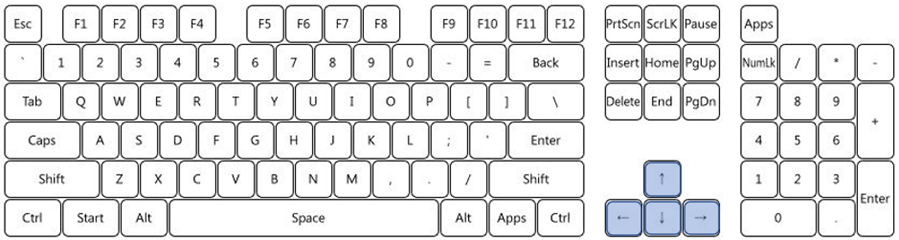
 PTZ - Pan-left, move left
  PTZ - Pan-right, move right
 PTZ - Tilt-up, move up
  PTZ - Tilt-down, move down
Camera control shortcuts
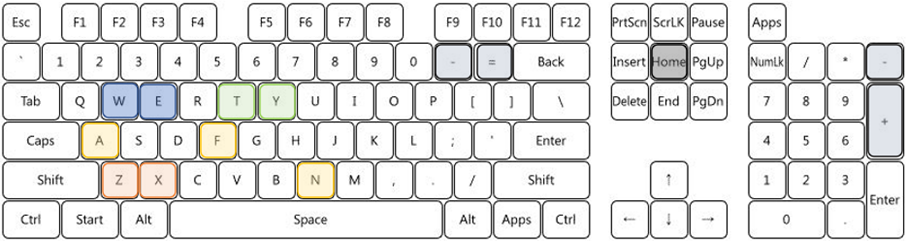
" T " Run tour, " Y " Stop tour " W " Wiper ON, " E " Wiper OFF " X " AUX ON " Z " AUX OFF
" + " Zoom in, " – " Zoom out " N " Focus near " F " Focus far " A " Auto focus " HOME " Move to home preset