OPTEX fence detection sensor (zone sensor) integration
Fence detection sensor (zone sensor) integration
Basic requirements for the OPTEX fence detection sensor (zone sensor) integration at Shinboryeong Power Plant
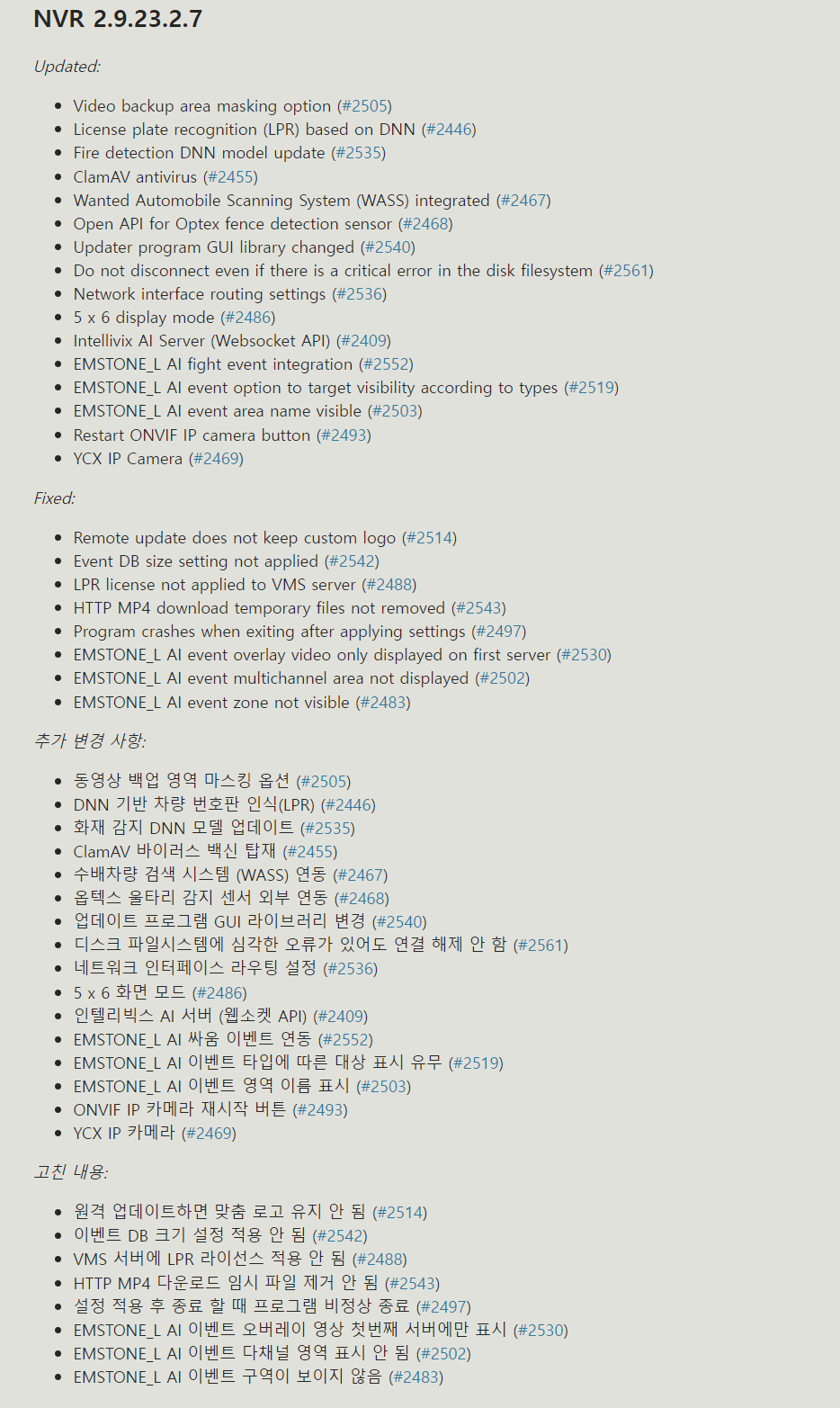
NVR version 2.9.23.2.7
CMS version 2.9.23.2.7
- Download location
https://www.emstone.com/ko/support/software/
VMS fence detection sensor (zone sensor) settings
Settings for Dongbang Electronics
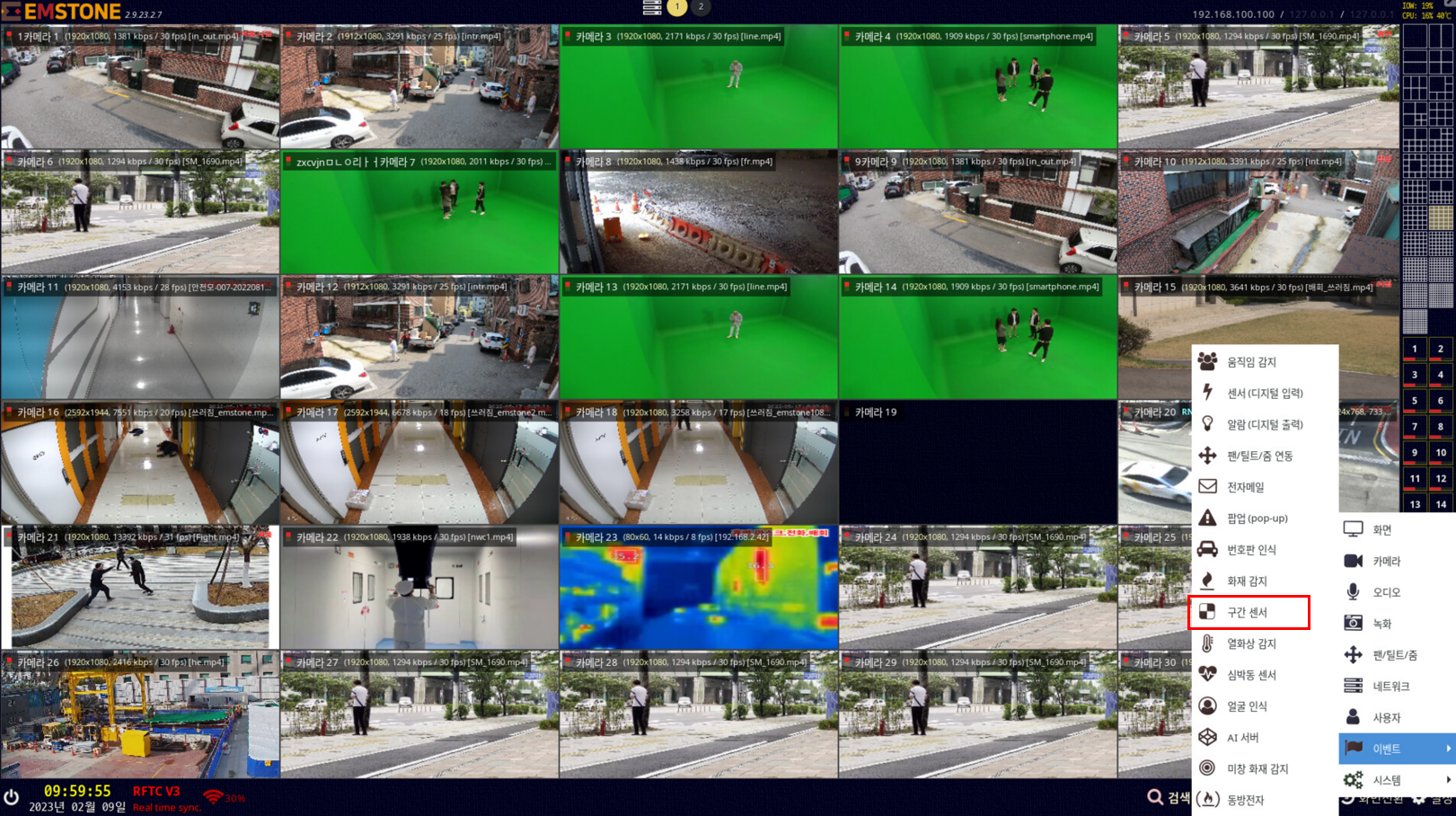
OPDEX fence detection sensor (zone sensor) ID mapping and popup camera settings
![[VMS1 SERVER1]](img-03.png)
![[VMS1 SERVER2]](img-04.png)
( VMS 1st server) ( From the VMS 2nd server)
Configure the sensor settings only on the very first VMS server. (Uncheck Use when configuring the HTTP API.)
From the second server onward, only mapping settings for each camera are possible.
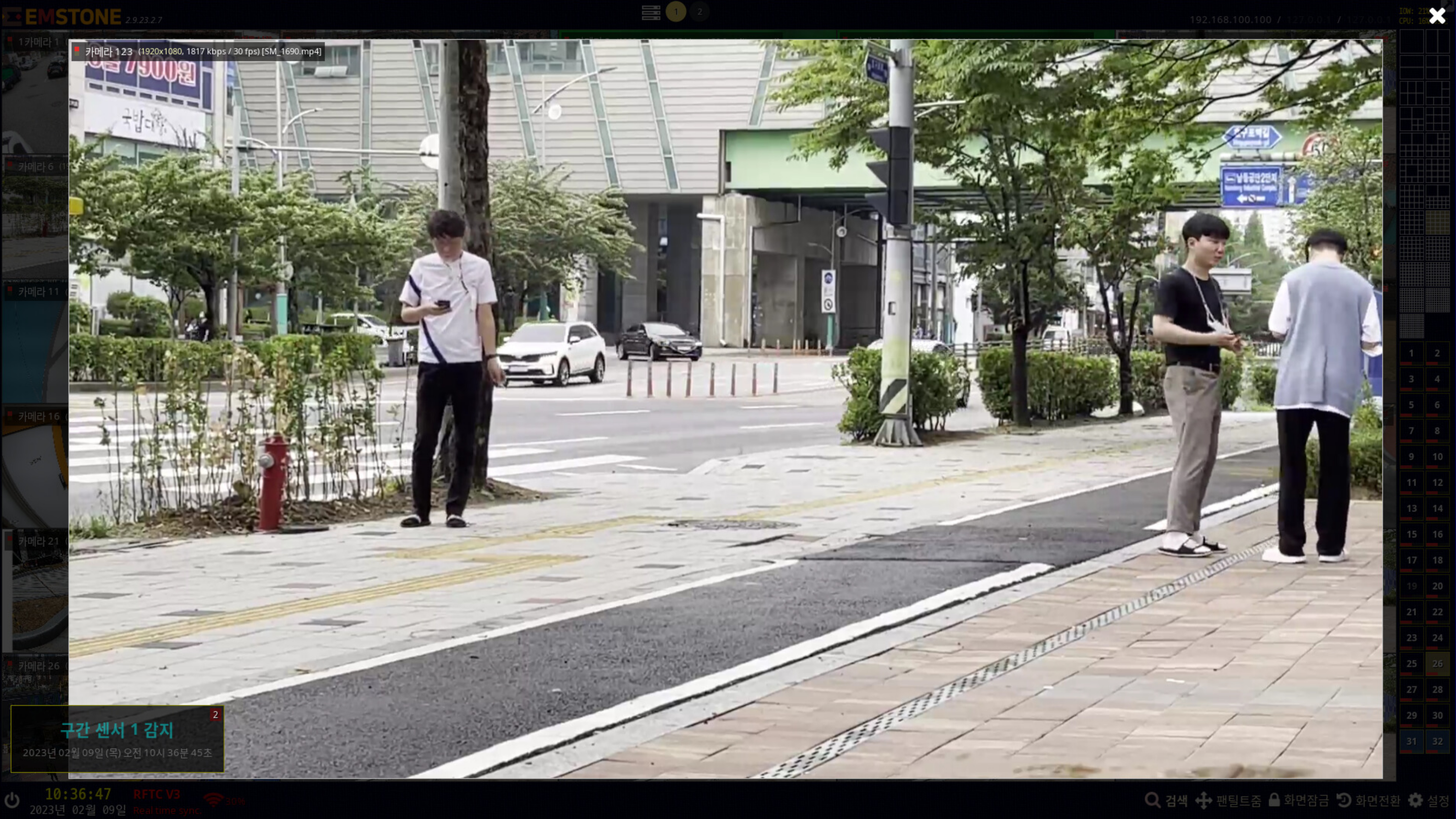
OPDEX fence detection sensor (zone sensor) popup and warning message output
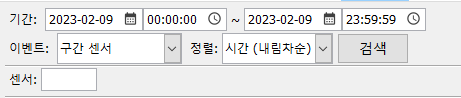
VMS event search
VMS event search
Search - Event search - select the event condition "Dongbang Electronics" - "Apply search time" - Search
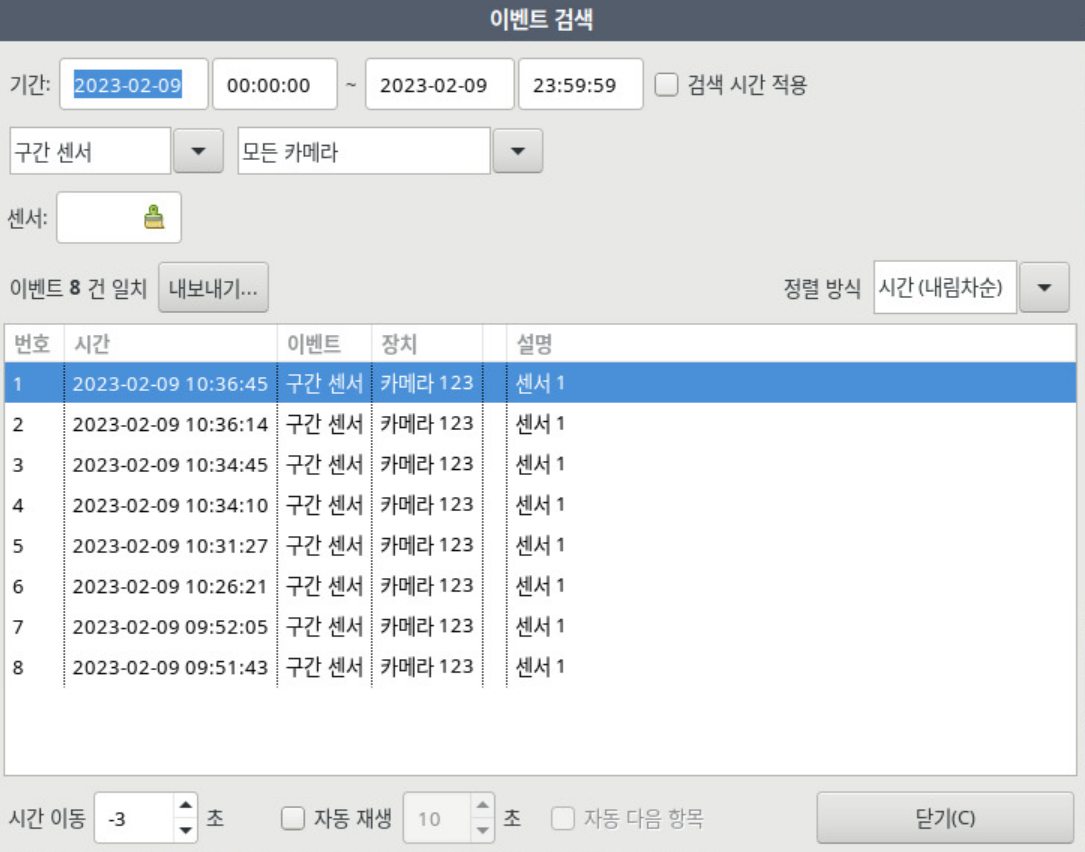
The time the "zone sensor" event occurred, the event type, the device (camera), and the description (location and event type) are displayed.
Double-clicking the event searches for that event's video.
CMS event-related features
Event log
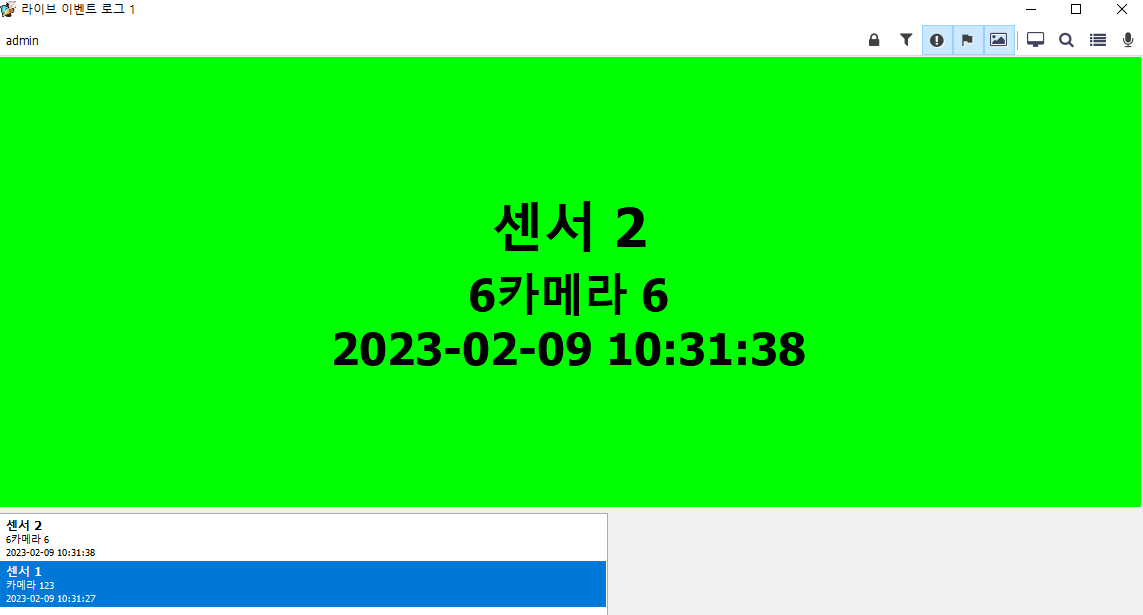
Event search
Setting event search conditions
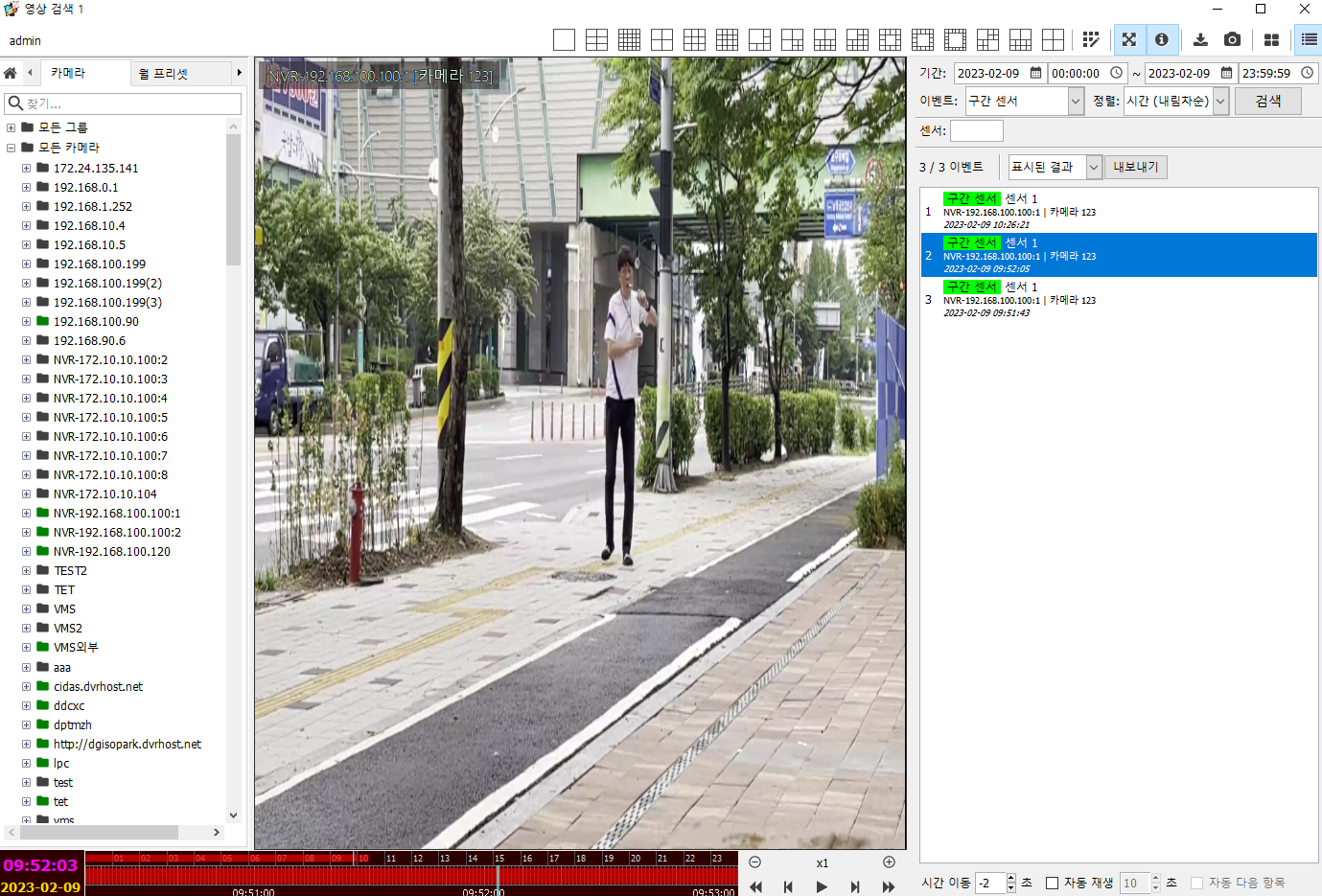
Select the event type of the zone sensor and set the event search period, then search.