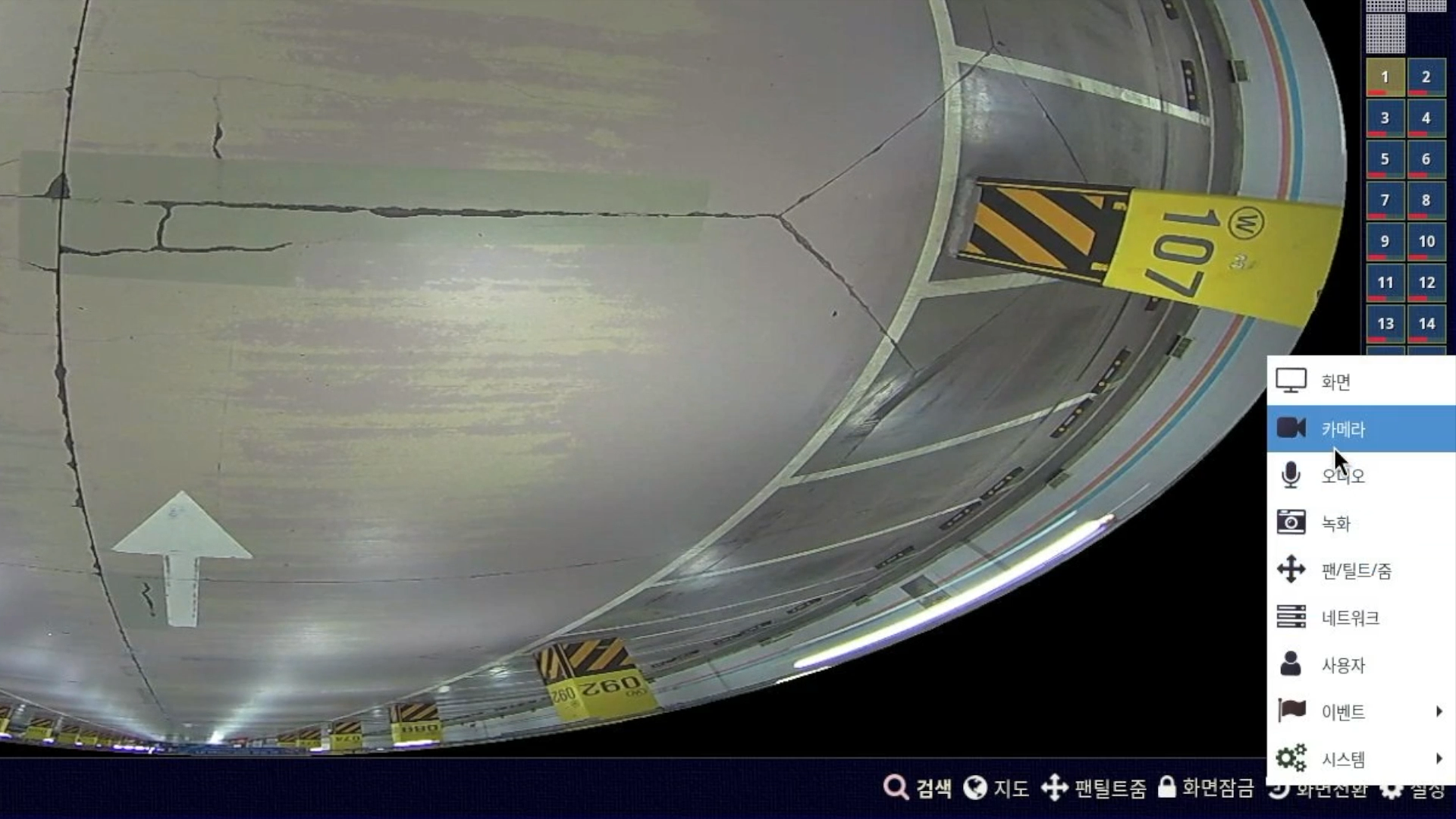
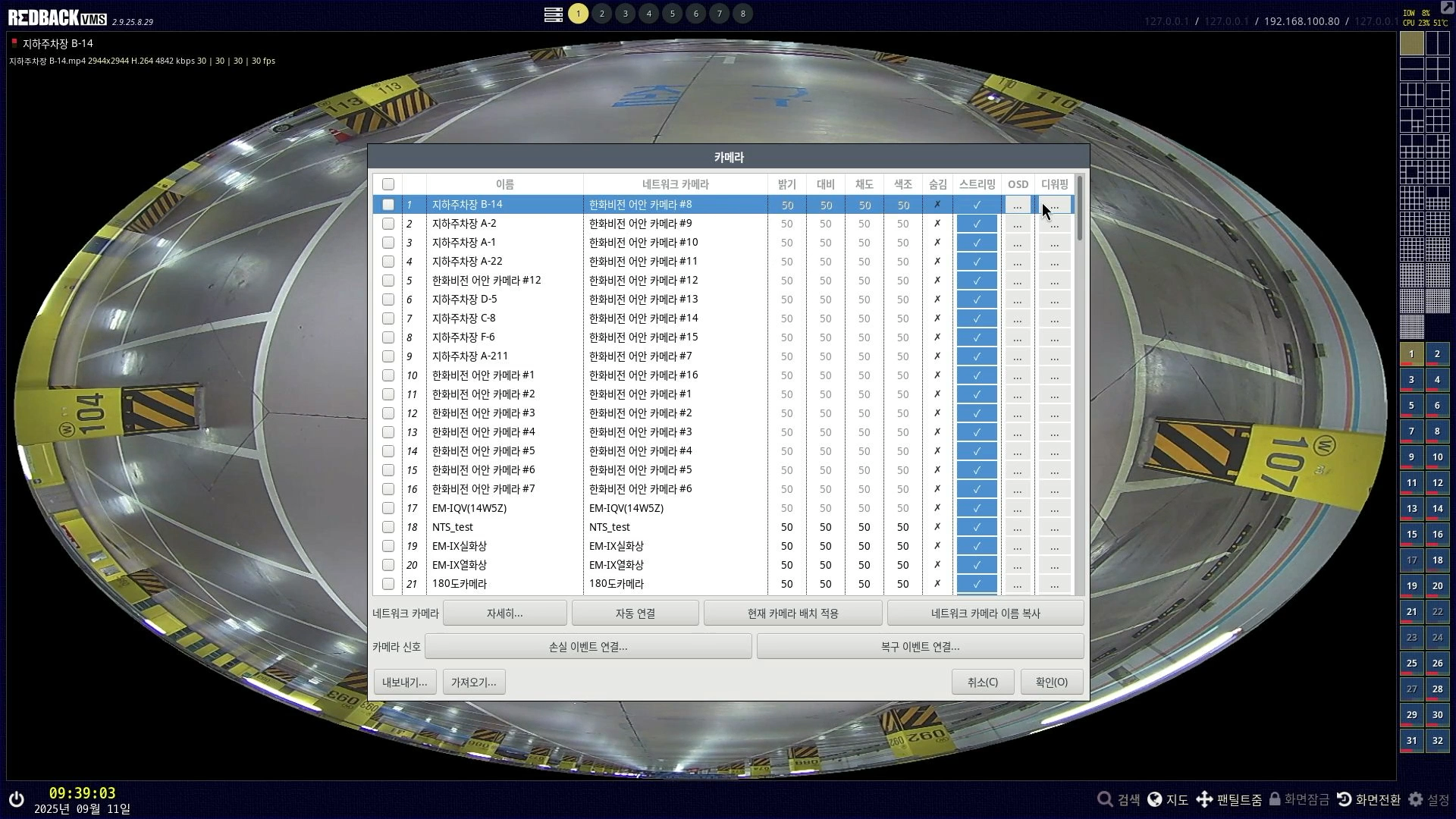
First, click Settings - Camera to open the settings window.
(You can check how to register a camera at the link.)
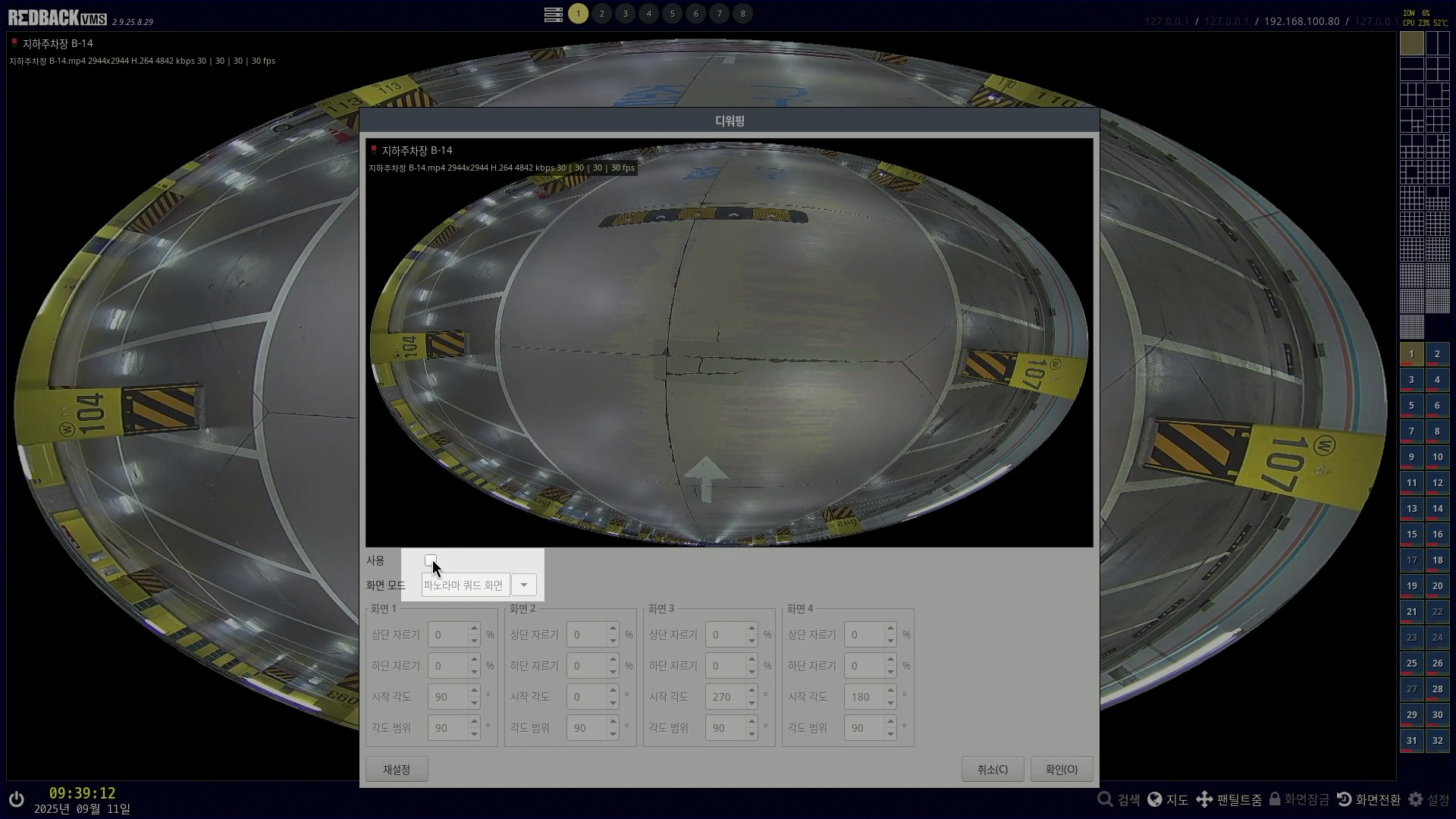
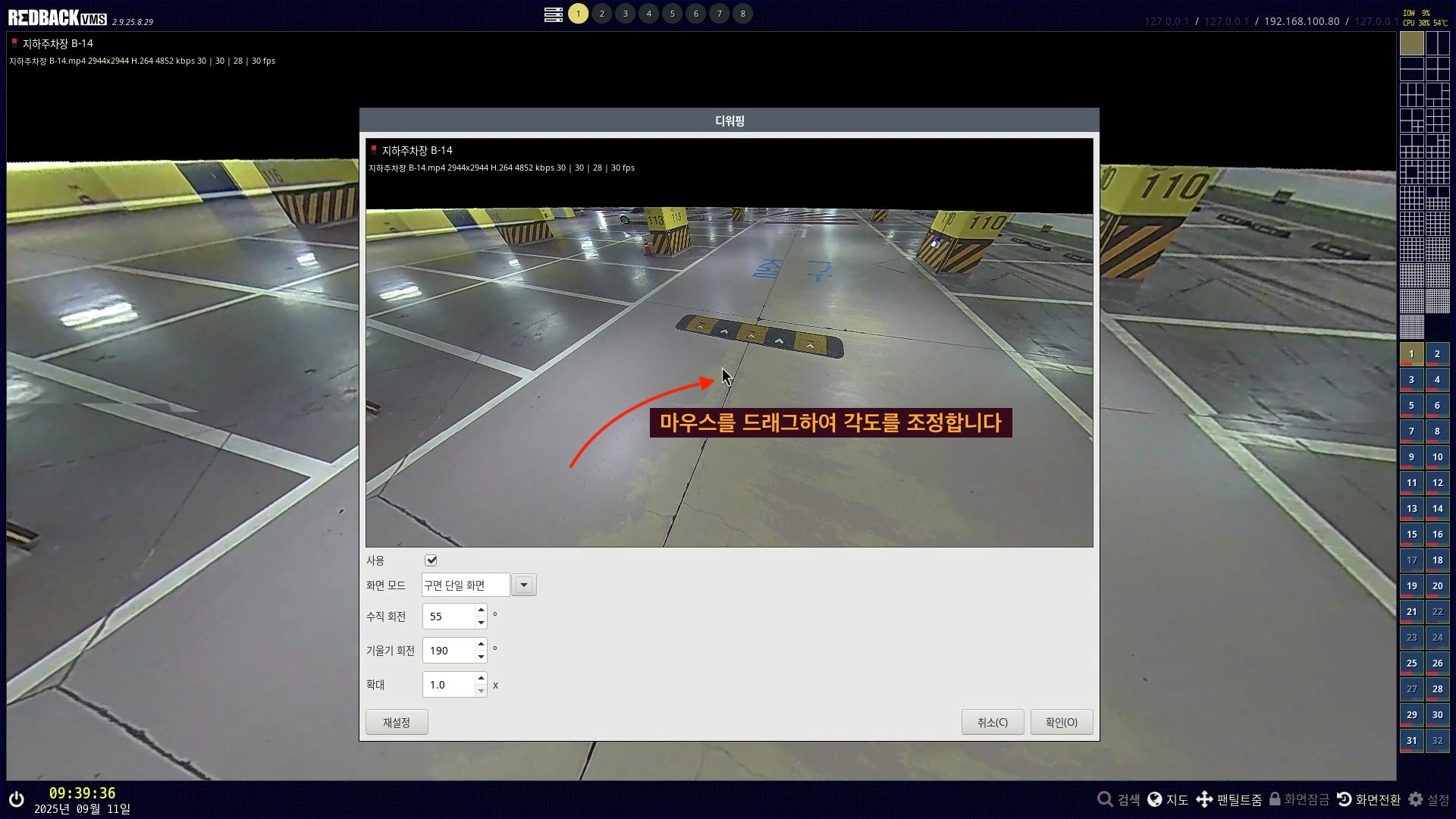
Press the dewarping button of the camera you want in the list.
Check the Use box.
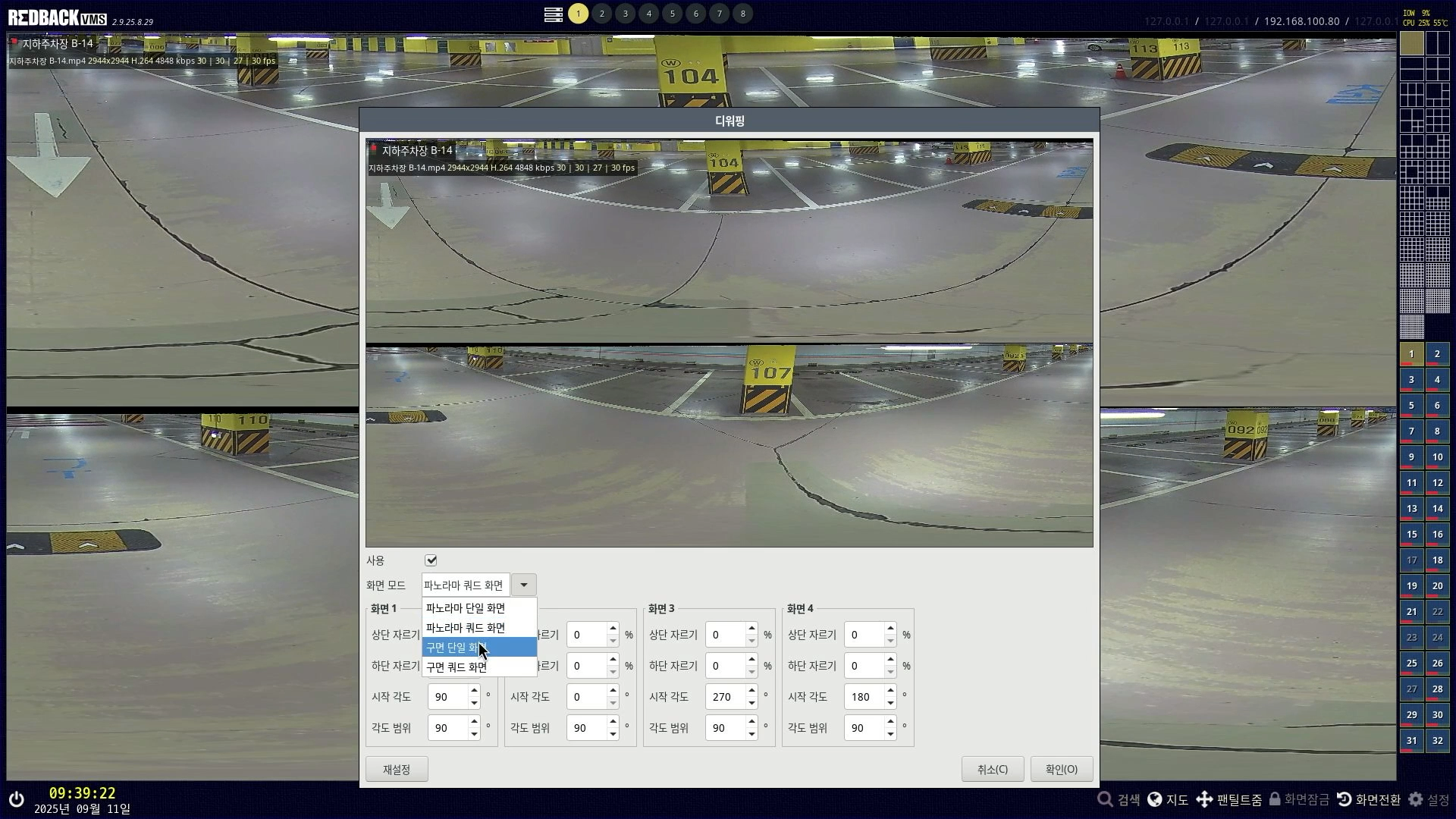
Select the screen mode you want. (This time we will select the single-sphere screen.)
On the dewarped screen, drag the mouse to set the angle you want.
After that, press OK to complete the application.
(You can zoom the screen in and out using the mouse wheel.)
Operating fisheye dewarping on the live/search screen
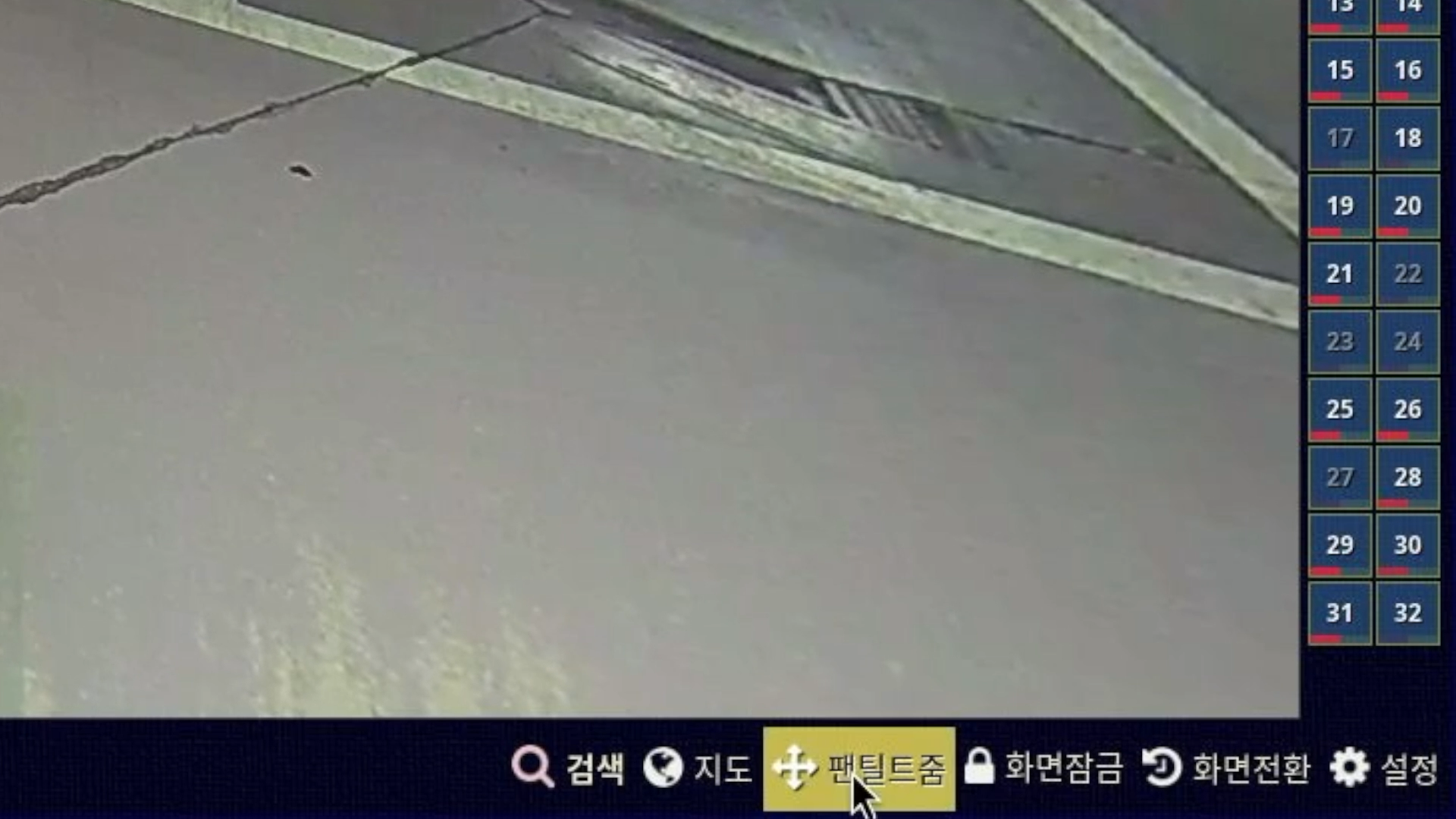
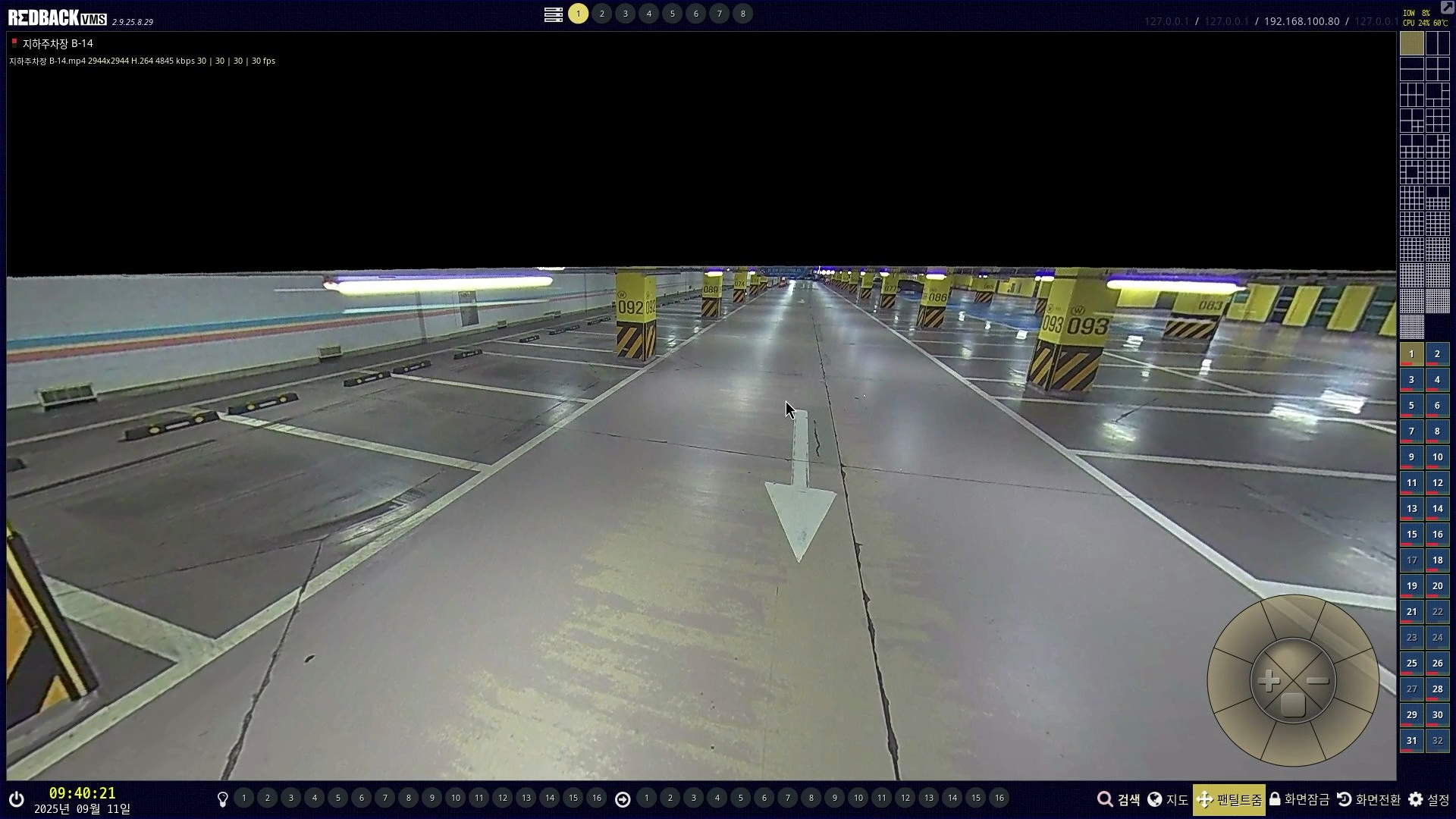
On the live screen, select Pan/Tilt/Zoom at the bottom.
(On the search screen, press Zoom.)
After that, dragging the live screen with the mouse lets you adjust the angle of the screen.
(Likewise, you can zoom in and out using the mouse wheel.)