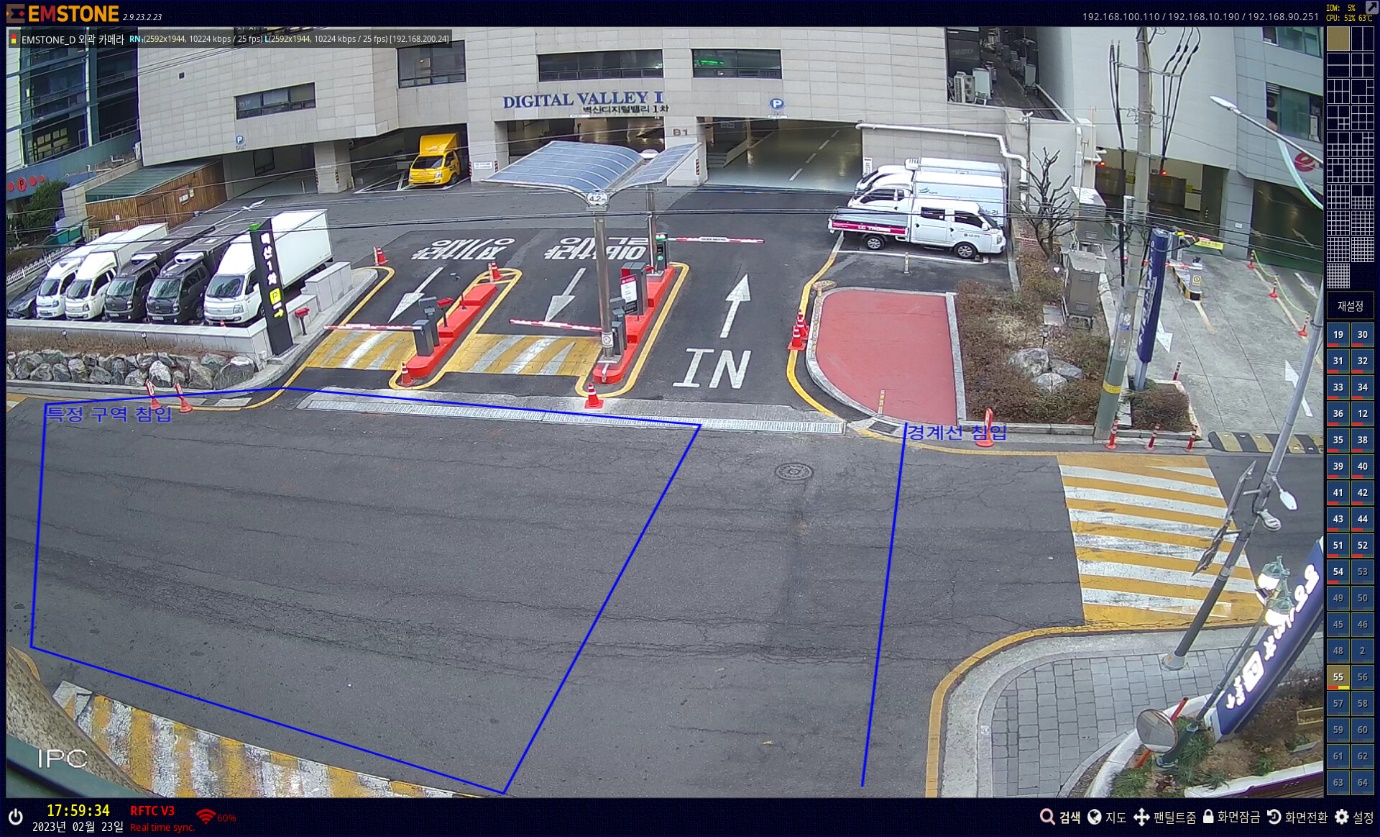
EMSTONE_D camera AI setup manual

EMSTONE_D camera AI setup manual
Chapter 1. EMSTONE_D camera setup
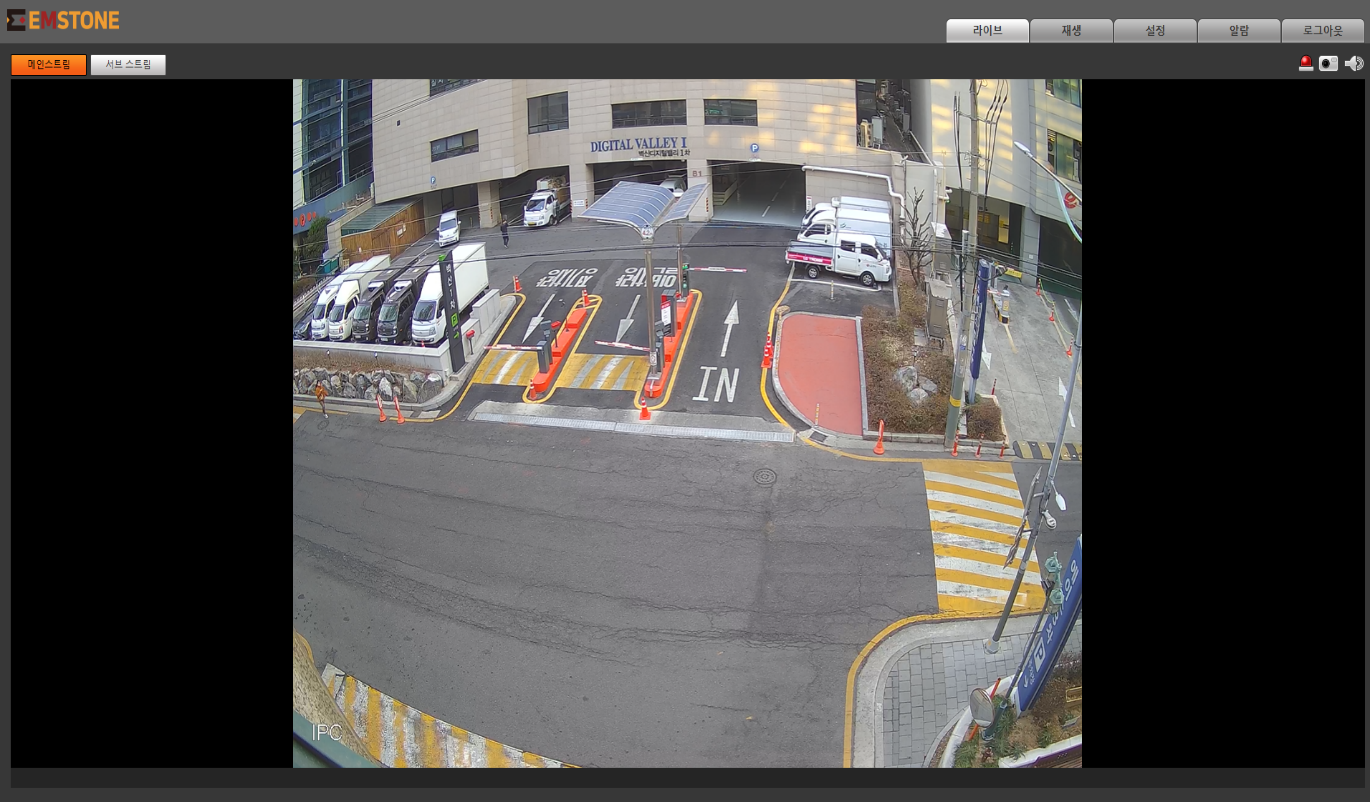
This is the live screen when accessing the web page of the EMSTONE_D 5MEGA Bullet camera.
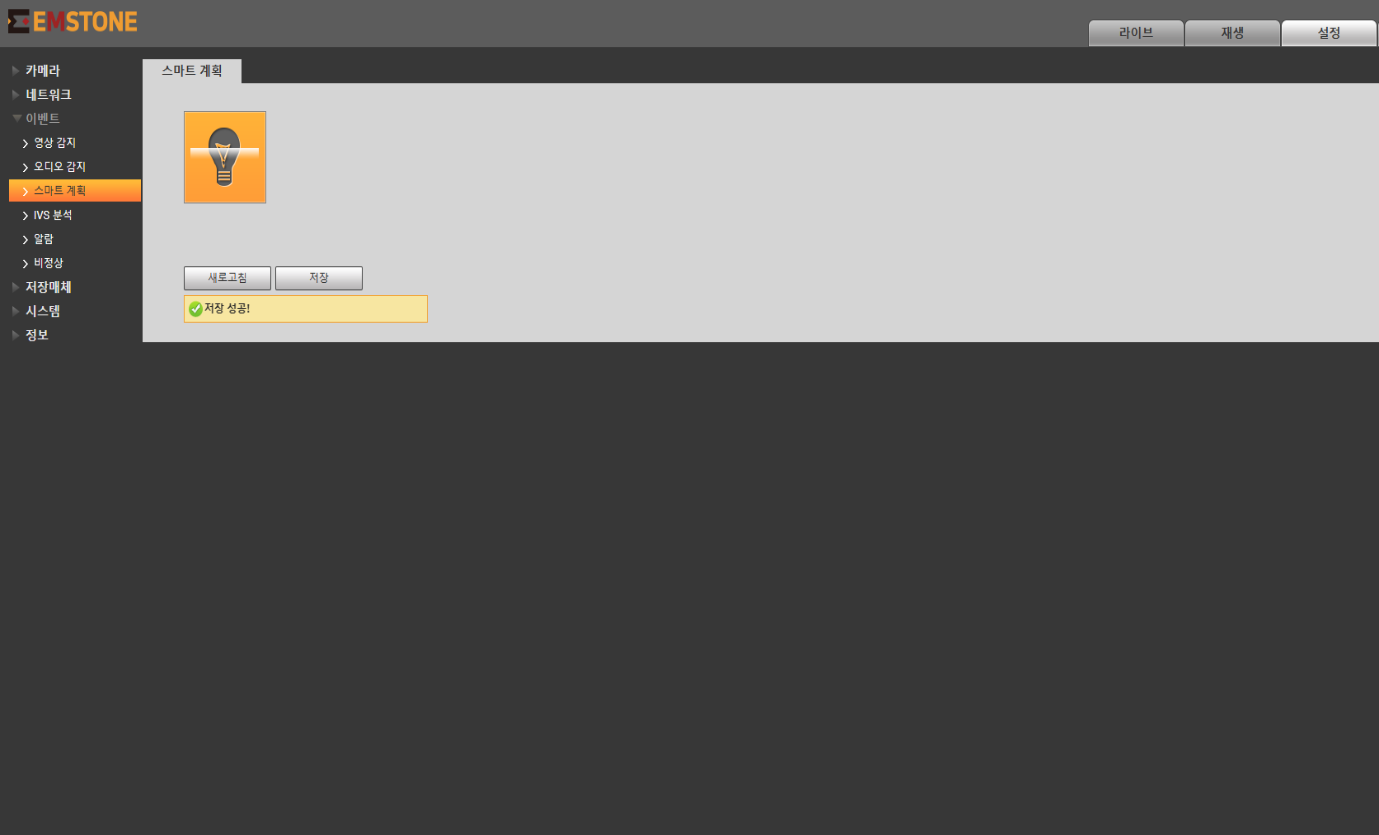
Click the top Settings -> Event -> Smart plan -> IVS analysis menu with the mouse to enable it, then press the Save button.
Press the Save button.
Press the + button at the top right to set the rule type you want.
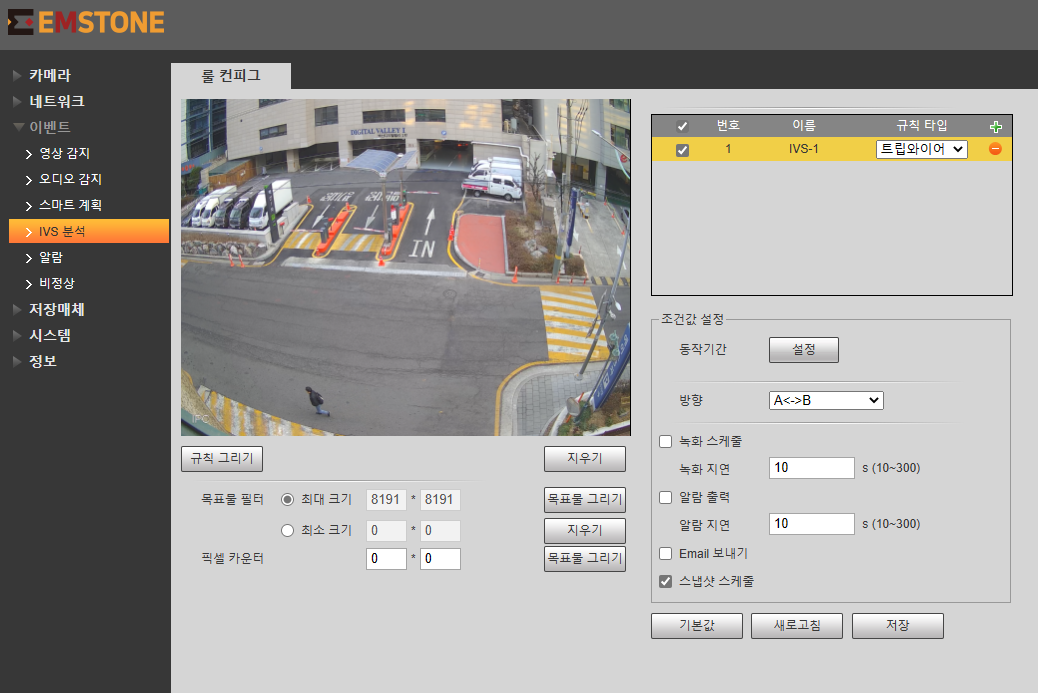
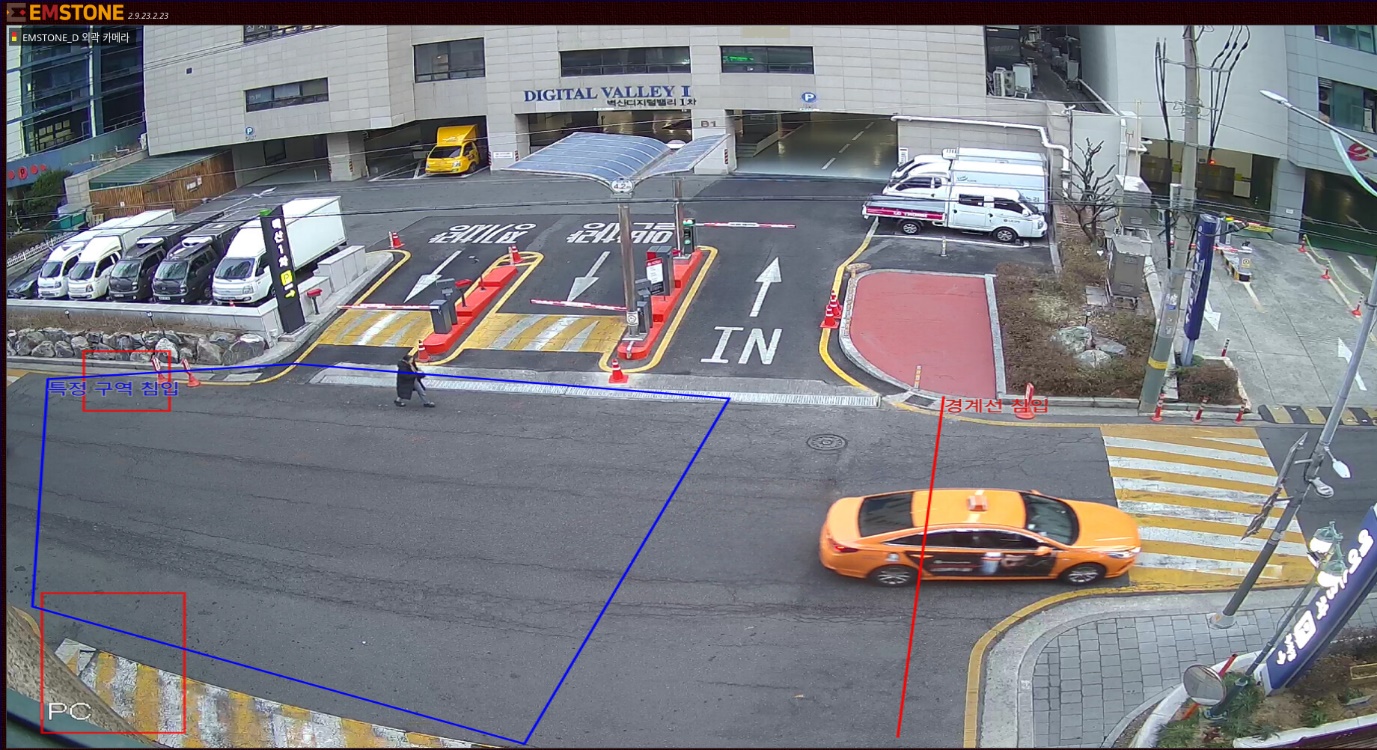
You can set the event name to any name you want; after selecting Draw rule, draw the area on the live screen and select the direction.
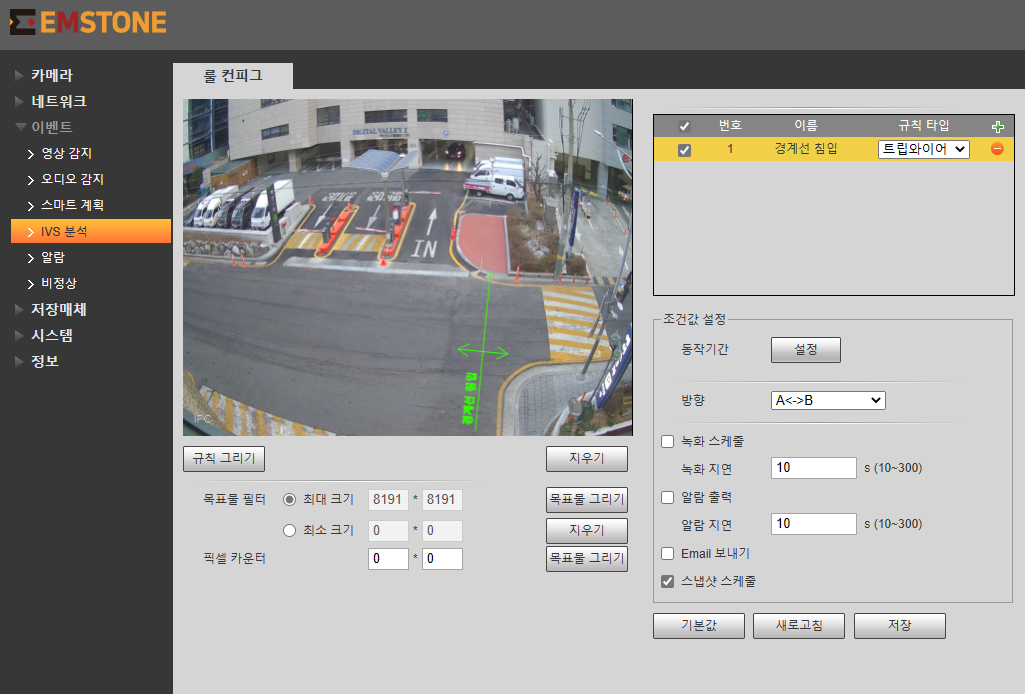
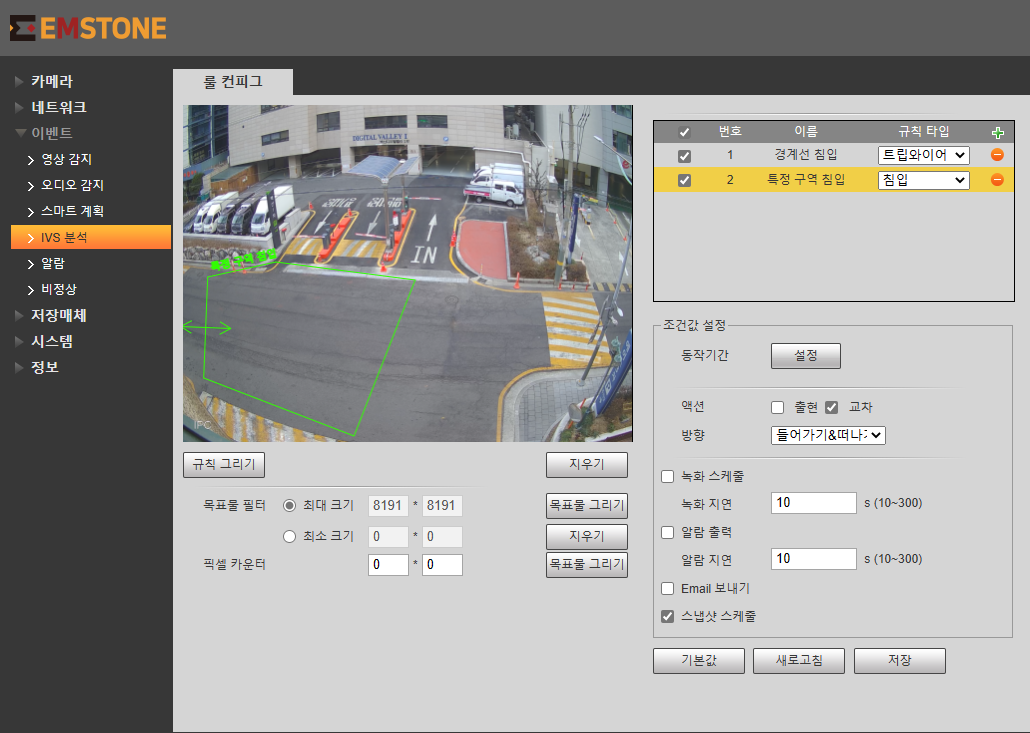
You can set multiple AI events on a single camera at the same time.
This is the camera live screen of the NVR.